Earn
Who comes back and what they bring.
Sellgrip reads your Kaufland orders by buyer: how many order again, what a buyer brings over the months and which products bring regular customers back.
Try Business free for 14 days, without payment details. The 14 days start once your shop is connected. After that, choose a plan or carry on with the Free plan.
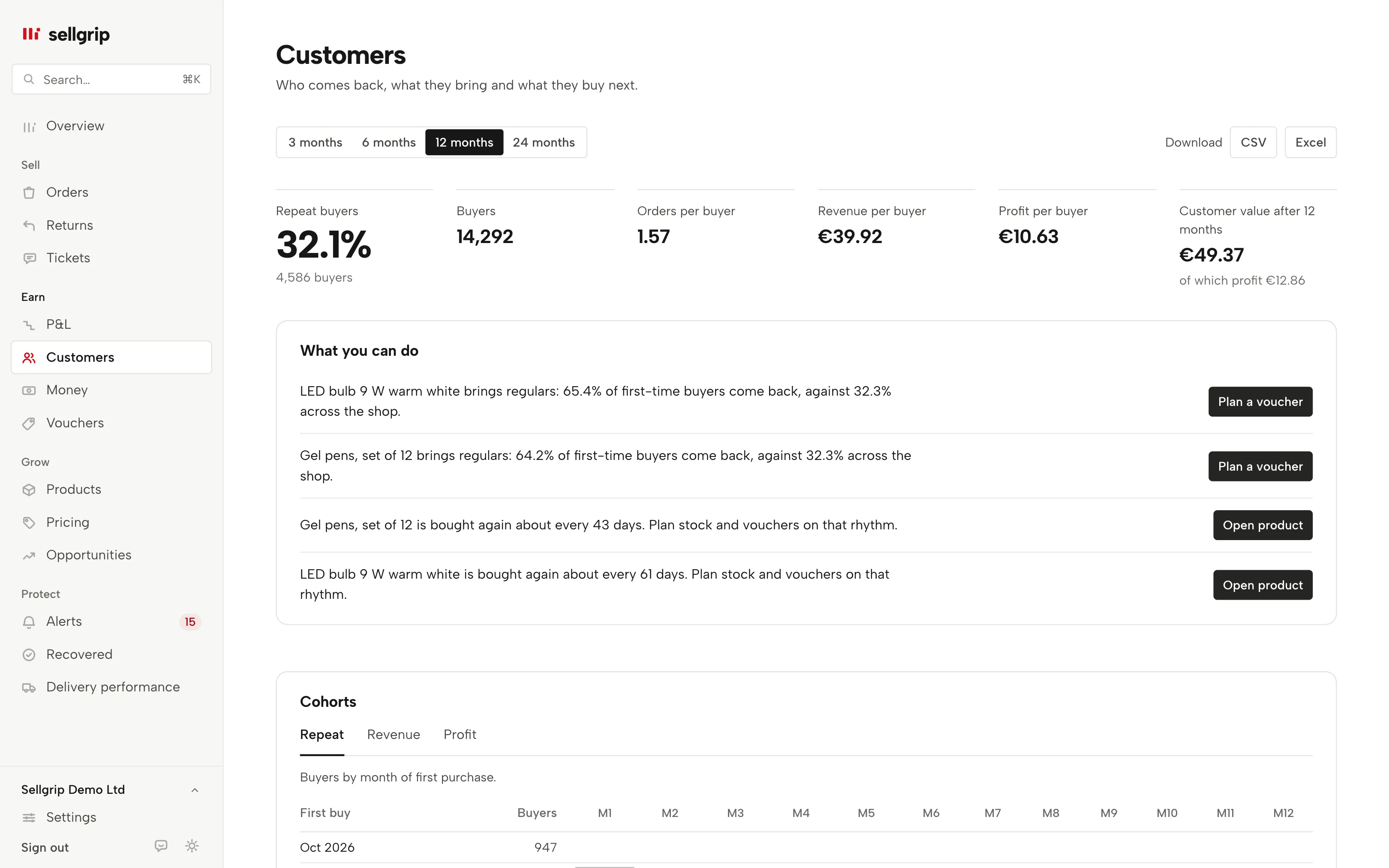
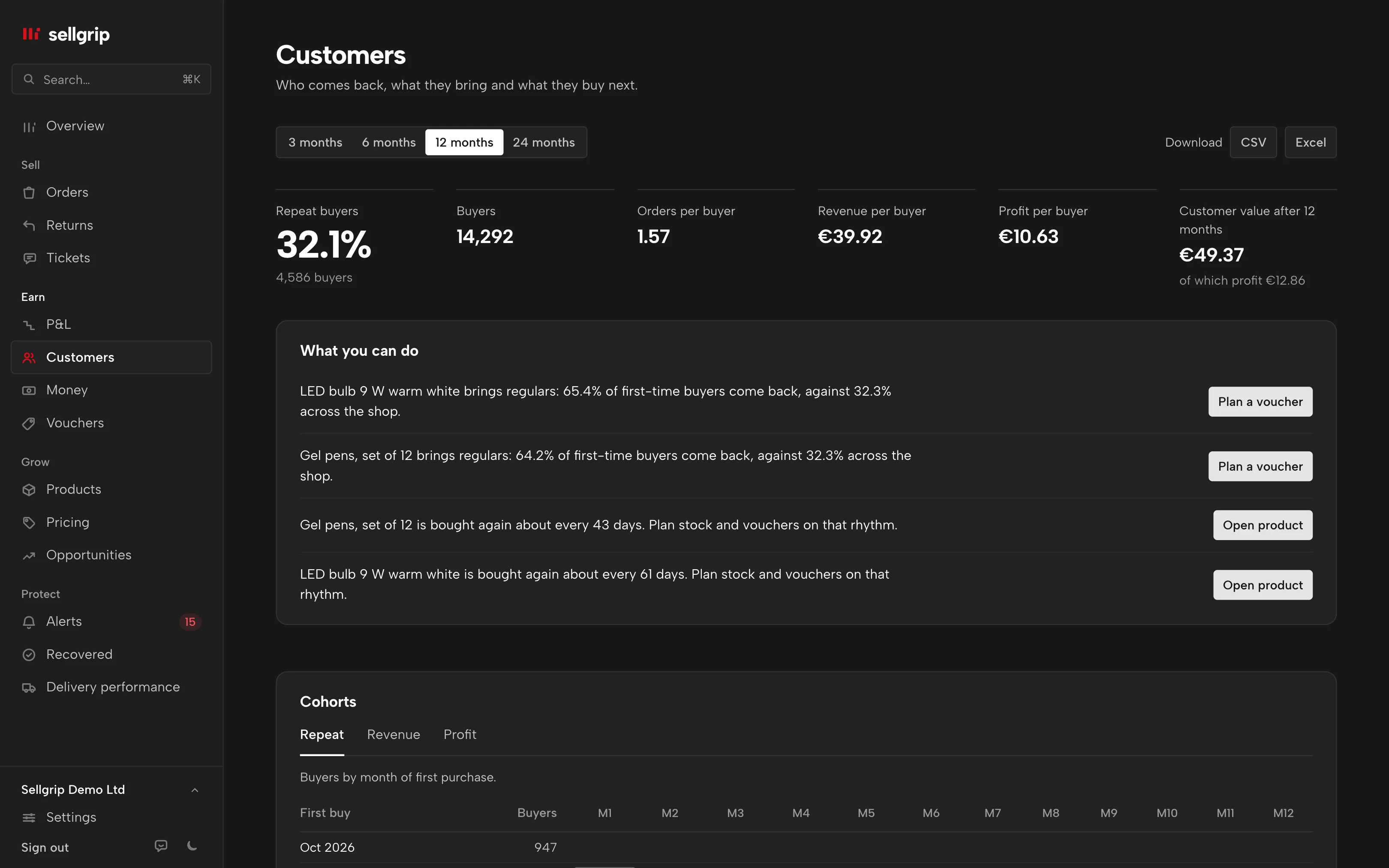
What the Customers page shows
Repeat buyers
How many buyers ordered more than once, with orders, revenue and profit per buyer. You choose the period, from 3 to 24 months.
Customer value
What a buyer has brought in revenue a few months after their first purchase. With the profit, once your purchase prices are on file.
Cohorts
Buyers by the month of their first purchase: how many order again in the months after, with revenue and profit per buyer.
Products that bring buyers back
Repeat rate, days until the next purchase and how many first-time buyers come back after this product.
Bought together
Which products sit in one order together and what buyers buy next.
Countries
Buyers, repeat buyers and revenue per buyer in each Kaufland country, over the last 12 months.
How to use the figures
-
Connect your shop
Sellgrip reads the orders it already gets from Kaufland. The figures appear at the next sync, you enter nothing.
-
Read the hints
Under “What you can do” Sellgrip says what the figures suggest. For example a product that is often bought again and has only a few days of stock left.
-
Work with the data
Download the key figures, cohorts, products, pairs, countries and gaps as CSV or Excel.
Totals only, no buyer profiles
Sellgrip does not store the buyer ID that Kaufland sends with each order. It stores only a pseudonym, made with a key of its own for your shop. Names, email addresses and postal addresses play no part.
Only totals are shown. Sellgrip hides groups of fewer than five buyers, and no view lists the orders of a single buyer.
- What counts
- Cancellations do not count, refunds are taken off, orders shipped by Kaufland are included.
- Retention
- The buyer key of an order is deleted no later than 24 months after the order. More in the privacy policy.
Where you see it in Sellgrip
- Customers
- In the dashboard under Earn: period, key figures, cohorts, products, pairs, countries and the time until the next order.
- Profit per buyer
- Needs your purchase prices, like profit per product. Without them, you see buyers, repeat purchases and revenue.
- Reorder
- If a product is often bought again and its stock lasts only a few days, the hint says so. You order through Reorder.
- Vouchers
- If a product brings regular customers, the hint suggests planning a voucher.
Questions about Customers
How does Sellgrip know who comes back?
Kaufland sends a buyer ID with every order. Sellgrip stores only a pseudonym of it and so sees when the same buyer orders from you again.
Can I see who my customers are?
No. Sellgrip shows totals only and hides groups of fewer than five buyers. It does not use names or addresses for this.
When do the figures start?
From the first sync. Counting starts at the oldest order Sellgrip reads; anyone who bought before that counts as new from then on.
Why is profit per buyer missing?
Sellgrip needs your purchase prices for it. Without them, you see buyers, repeat purchases and revenue.
Can I export the figures?
Yes, as CSV or Excel: key figures, cohorts, products, pairs, countries and gaps.
Which plan includes Customers?
Business. Every new account can try Business free for 14 days, without payment details.
Related tools
- Sell on Kaufland: the 2026 guide for international sellers Guide
- The Kaufland Seller Portal explained, step by step Guide
Last updated
Start with Sellgrip today.
Try Business free for 14 days, without payment details or a contract. The 14 days start once your shop is connected. After that, choose a plan or carry on with Free.