Protect
Everything that costs your Kaufland shop money, in one list.
Sellgrip checks orders, tickets, returns and payouts at every sync. Anything that costs money or has a deadline shows up in Alerts.
No payment details, no minimum term.
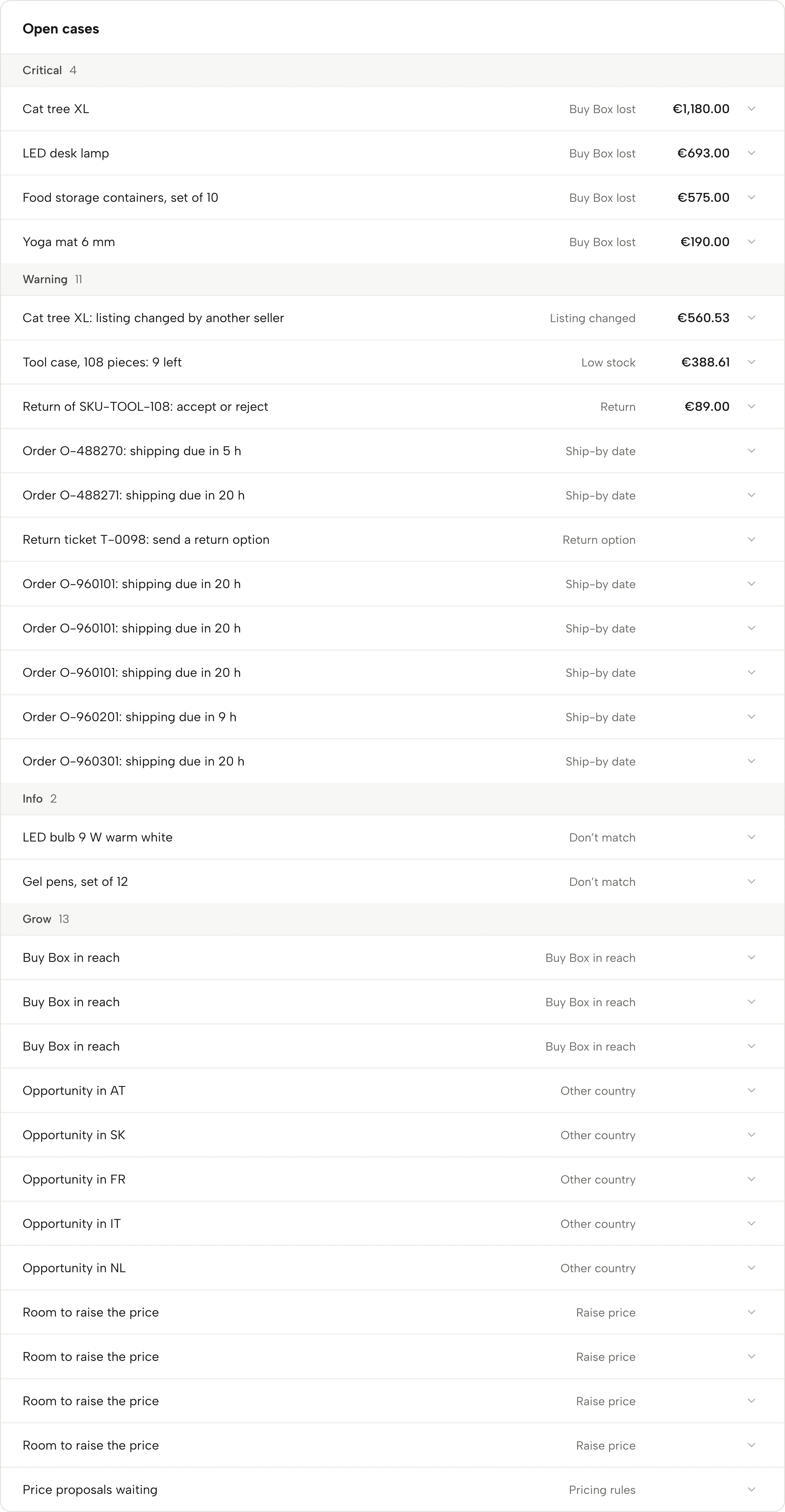
What Alerts picks up
Overdue payouts
Kaufland releases your revenue 14 days after delivery (with a tracking number) or 21 days after the order is marked as shipped (without one). If a release is still missing a day later, Sellgrip shows the amount and the orders.
Ticket and shipping deadlines
Sellgrip warns 12 hours before the 48-hour reply deadline, counted in business hours. For a return request, it reminds you that your first reply needs a return option. For orders, it flags shipping that is due within 24 hours.
Cancellation rate
If your seller-related cancellation rate over the last 30 days reaches 1%, you see the case with the possible fee. Early warning warns you before that.
Returns, stock and listings
A return waiting for your decision appears with its refund amount. So do listings another seller has changed, and products that are almost sold out, with how many units to reorder and by when.
Buy Box and prices
On Pro and Business, lost and winnable Buy Boxes are added. On Business, the price guard flags prices below your break-even. Growth cases, such as a country worth selling in or price proposals waiting for you, are listed separately under “Grow”.
New Kaufland rules
Rules Kaufland introduces with a date have their own panel above the cases. Each shows from when it applies, whether you need to act and where the rule is written. More in the rules calendar.
How you work through your alerts
-
Sellgrip checks at every sync
Sellgrip reads your data through the Kaufland Seller API. Each case gets a euro amount when your data backs it, and none when it does not.
-
You open the case
One click shows what is going on. With Business, it also shows the next step and a ready-made text, such as a release request for Kaufland, a reply draft for a ticket or an order draft for your supplier.
-
You close it
Click “Mark as done”, “Got it” or “Snooze 24 h”. Amounts from closed cases move to Recovered.
Why deadlines are money on Kaufland
Reply to a ticket too late or cancel too often on Kaufland, and you lose money or hurt your metrics.
These deadlines sit in different places in the Seller Portal. Alerts puts them in one list, most urgent first.
- Tickets: 48 hours
- Kaufland expects a reply to every ticket within 48 hours on working days. It takes weekends and national holidays into account.
- Cancellation rate: target under 1%
- Between 1% and 2.99%, Kaufland charges 7% of the total price of the cancelled transactions; over 3% it is 15%. Check your month with the cancellation rate calculator.
- Release: 14 or 21 days
- Kaufland releases your revenue 14 days after delivery (with a tracking number) or 21 days after the order is marked as shipped (without one). An open ticket pauses the period; see the payout date calculator.
Sources: Kaufland Seller University, Customer service KPIs; Kaufland Seller University, Order management; Kaufland Seller University, Payment, read on 11 September 2026.
What you see in Sellgrip
- Open cases
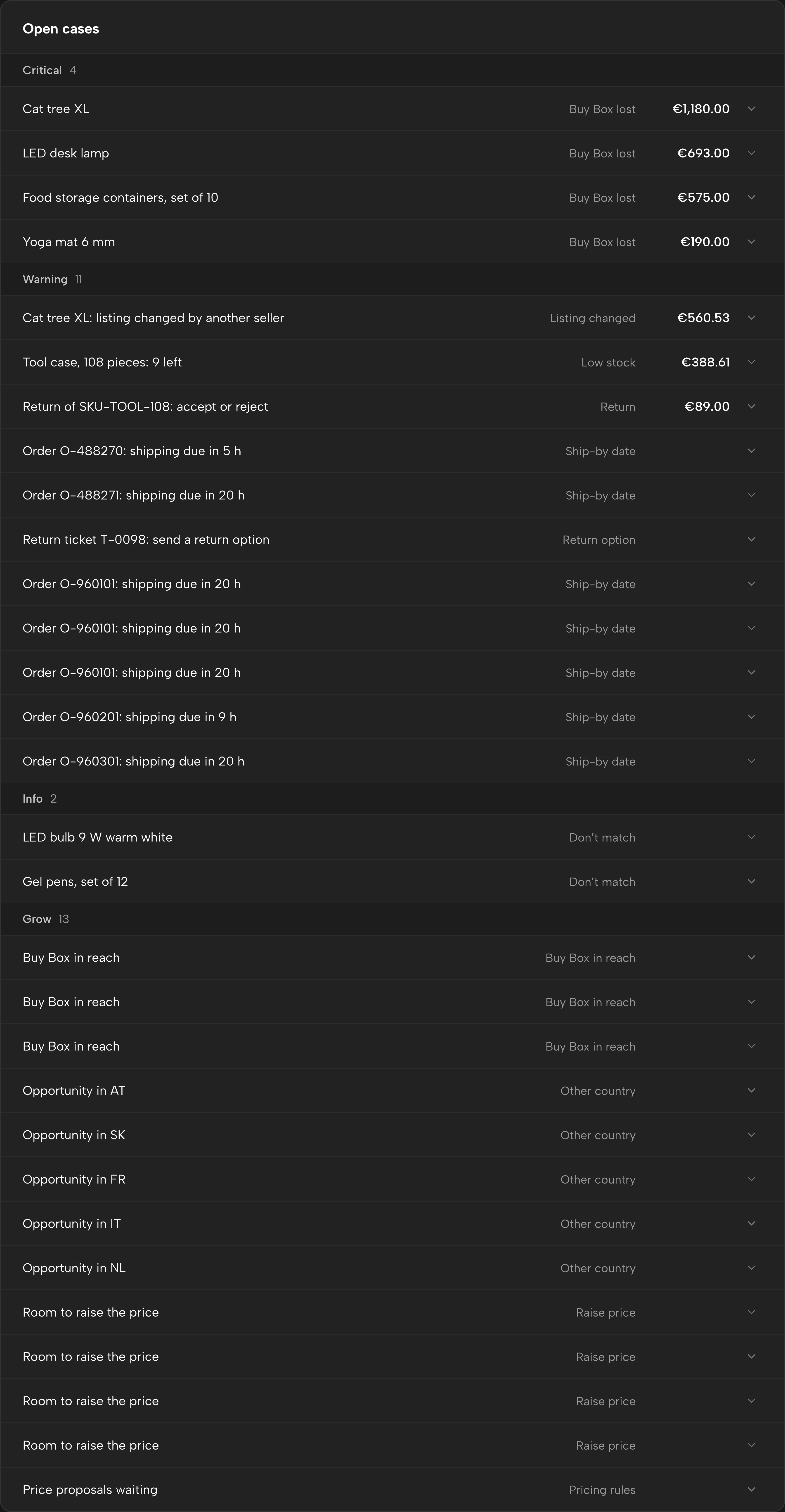
- Listed under “Open cases”, grouped into “Critical”, “Warning” and “Info” and sorted by amount in each group. Snoozed cases are at the bottom.
- One amount per case
- The amount comes from your data, such as the total of a missing release. If it cannot be backed, there is no amount.
- The ready-made message
- For example a release request to Kaufland or a reply draft for a ticket, with a copy button. The text comes with Business and is in the language you use Sellgrip in. Where Kaufland’s Seller Support takes no tickets in that language, the request to Kaufland is in English, and its label says so.
- The dossier
- For an overdue release, a ticket deadline or a missing return option, “Download dossier” gives you the evidence file as a PDF, ready for a ticket at Kaufland. It comes with Business.
- Today’s list
- The cases with the nearest deadline are also at the top of the overview, under “To do today”, followed by work without a deadline, such as an overcharged commission. So the first thing you see in the morning is what is due today.
Questions about Alerts
Which alerts do I see on the Free plan?
Every case with its title, amount and deadline, except Buy Box (Pro and up), early warning and price guard (Business). The text for Kaufland and the evidence file come with Business.
Why does a case have no amount?
Sellgrip only shows amounts your data backs. A ticket deadline, for example, has no provable euro value, so it shows none.
Does a case disappear on its own?
Yes, when the cause is gone at the next sync, for example because the release has arrived. Sellgrip then closes the case and books it under Recovered.
What if I mark a case done by mistake?
For a case with an amount, Sellgrip asks first. After that, you can take it back for an hour under Recovered.
Which Kaufland countries does this cover?
All nine Kaufland countries, including Spain. Sellgrip counts the ticket deadline with each country’s public holidays.
In which language do I see the alerts?
In the language you use Sellgrip in, older cases included. You change the language at the bottom of every page or under Settings.
Related tools
Checked on , last updated
Start with Sellgrip today.
You can start free without a card or a contract. Want everything? Try Business for 14 days (payment details required). After that you pay for the plan you chose, plus VAT, unless you cancel first.