Sell
Ticket replies with the facts already in them.
You write a reply once. When you insert it, Sellgrip fills in the customer’s first name, the order number and the item from the ticket.
Try Pro or Business free for 14 days, then pay monthly or yearly for the plan you chose, plus VAT, unless you cancel first.
What reply templates do
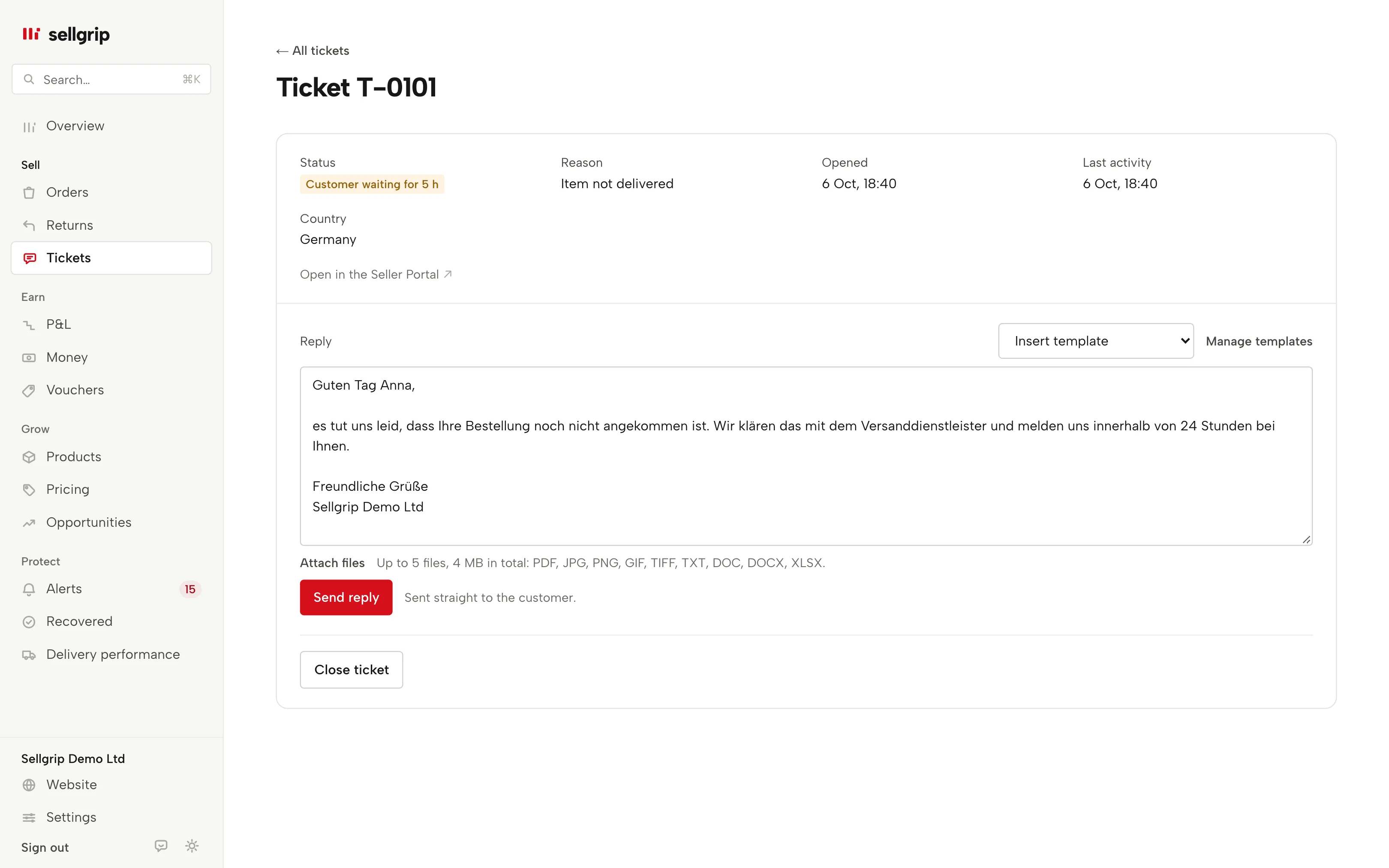
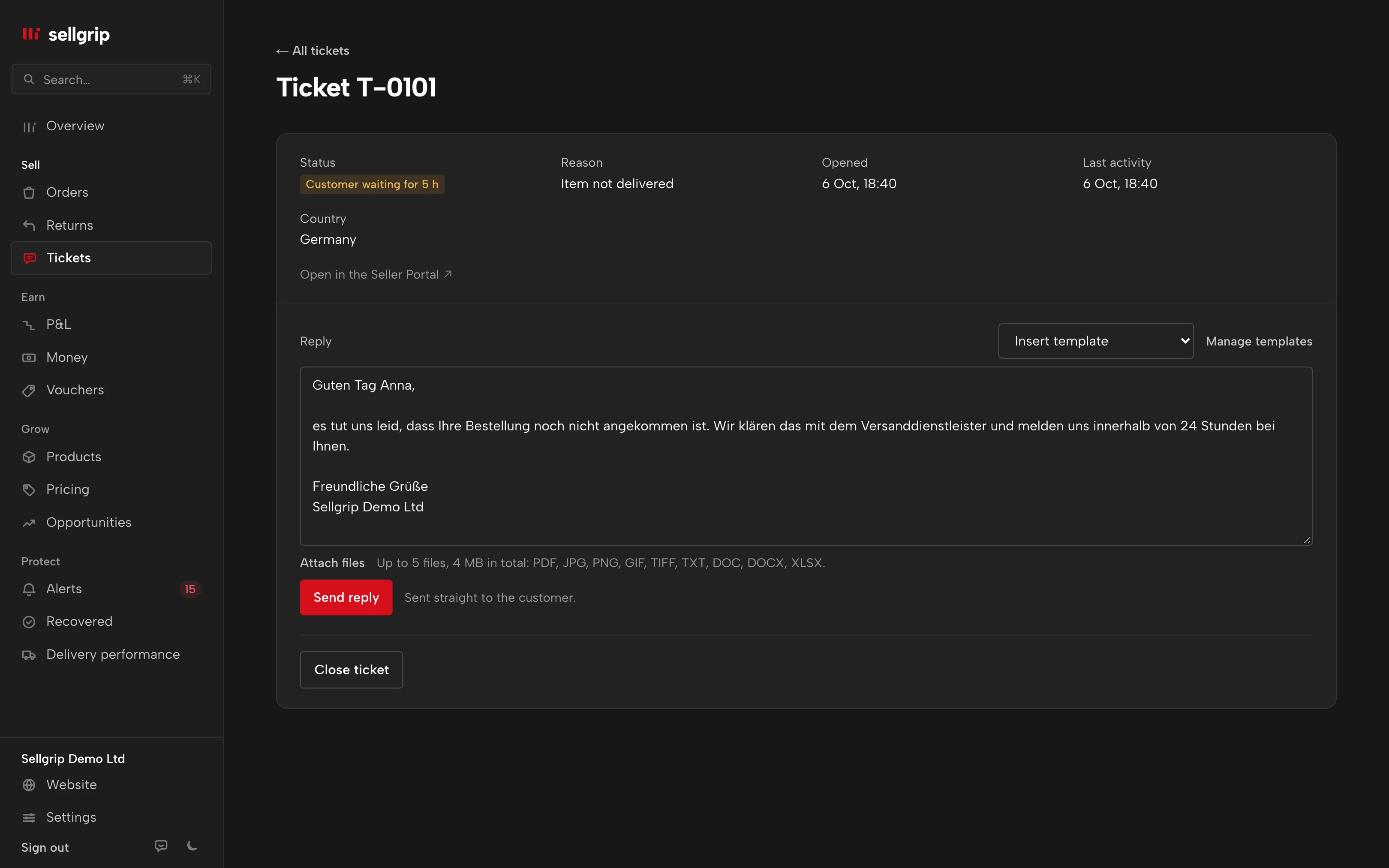
Insert template
Above the reply box of a ticket. Templates in the buyer’s language come first, and within those the ones for the ticket’s reason.
Four placeholders
The placeholders are German words: {kunde}, {bestellung}, {artikel} and {shop}. Sellgrip fills them with what is in the ticket and the order.
Starter templates in nine languages
Six templates for the most common ticket reasons, such as “Parcel on its way” or “Defect: ask for photos”. Sellgrip adds them in the languages of your Kaufland countries, in a polite, formal tone.
Only real details
If Sellgrip is not sure of a value, the placeholder stays empty, along with the comma before it. “Hello {kunde},” then becomes “Hello,”.
How you work with templates
-
Create templates
Under Settings, in “Reply templates”: name, text and the customer’s language. Each placeholder is a button that goes in where your cursor is.
-
Insert in the ticket
In Customer service you pick a template under “Insert template”. Sellgrip puts the text into the reply box with the ticket’s details. If you have already typed something, the text goes in where your cursor is.
-
Read and send
You adjust the text, attach a file if needed and click “Send reply”. Sellgrip never sends anything on its own.
Why templates save time on Kaufland
Most tickets come down to a few questions: where is my parcel, how do I send it back, the item is broken. Writing every reply from scratch costs time, while the 48-hour deadline runs.
Buyers write from every Kaufland country. That is why the starter templates are in the buyer’s language, and their names tell you what they are about.
- Reply within 48 hours
- Kaufland expects a reply to every ticket within 48 hours on working days. It takes weekends and national holidays into account.
- Return option in the first reply
- Since 1 February 2026, the first reply to a return request must include a valid return option. The “Return” starter template is meant for this, and you add the option yourself.
Source: Kaufland Seller University, Customer enquiries, read on 11 September 2026.
What you see in Sellgrip
- Insert template
- The list above the reply box in the ticket, grouped by language, with the “Manage templates” link.
- Reply templates
- The section in Settings, with “New template” and the placeholders “Customer’s first name”, “Order number”, “Item” and “Your company name”.
- Unknown placeholder
- If you make a typo, such as {kundenname}, Sellgrip will not save the template. That way no typo reaches the buyer.
- Edit and delete
- In Settings, templates are grouped by the customer’s language. “Edit” opens a template in place. Deleting asks a second time with “Delete for good”.
Questions about Reply templates
Which plan includes reply templates?
Pro and up. Reading, replying and closing are on every plan, including Free.
Does Sellgrip translate my reply?
No. The starter templates come in the buyer’s language, and you write your own templates yourself, in the language you choose.
Does Sellgrip send replies automatically?
No, the template only fills the reply box. You always send the reply yourself.
Where does the customer’s first name come from?
From the billing address at Kaufland, otherwise from the name under their message. Sellgrip does not store it and only fills in something that looks like a first name.
Who can create templates?
Owner and Staff in the Team. The Accounting role sees the templates but cannot change them.
Can I delete a starter template?
Yes. A deleted starter template does not come back.
Related tools
Checked on , last updated
Start with Sellgrip today.
You can start free without a card or a contract. Want everything? Try Business for 14 days (payment details required). After that you pay for the plan you chose, plus VAT, unless you cancel first.