Earn
From Kaufland revenue to net profit.
The profit and loss takes each type of cost off revenue in turn, until net profit is left. Anything Sellgrip does not know shows as an open line, not as €0.
No payment details, no minimum term.
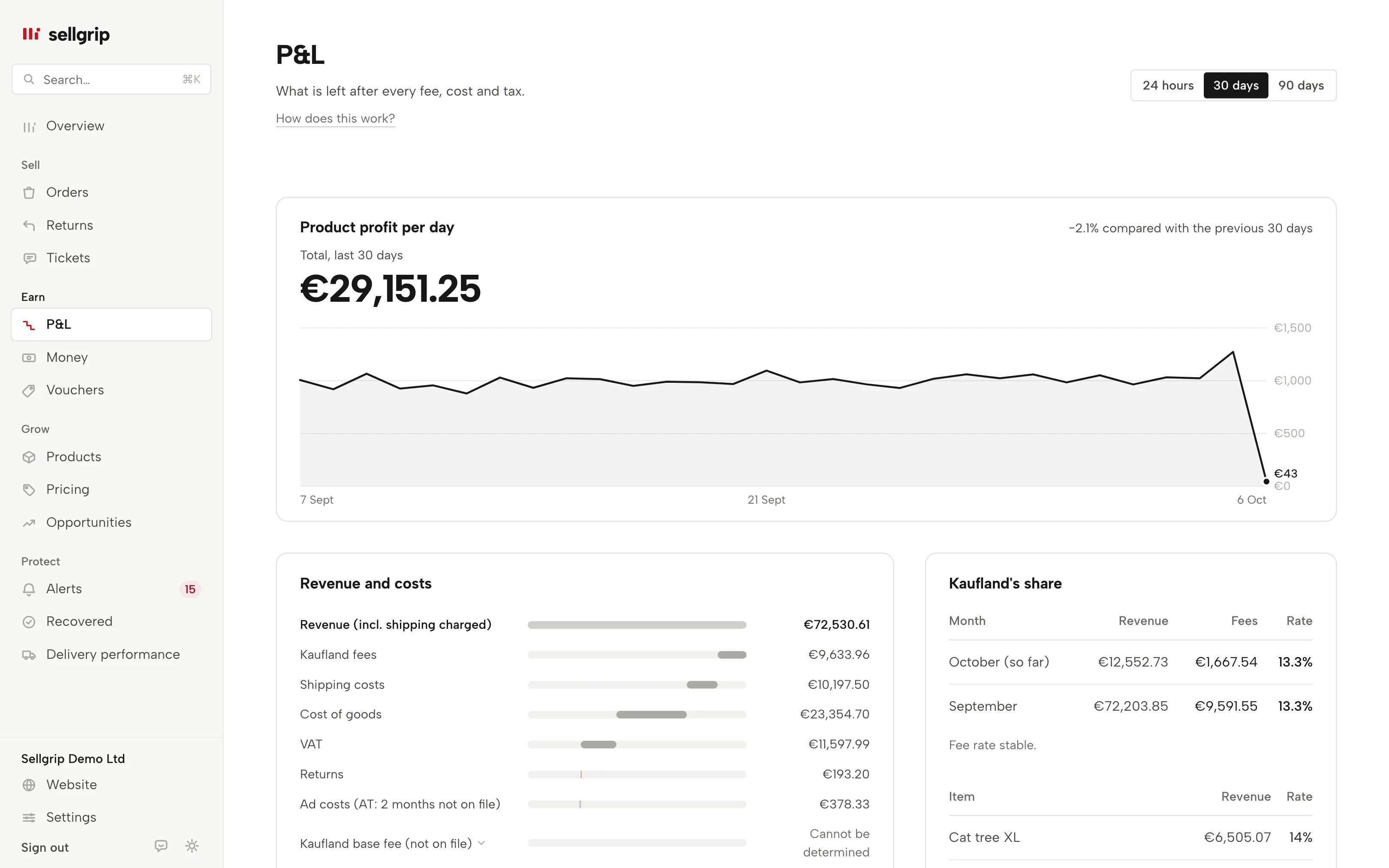
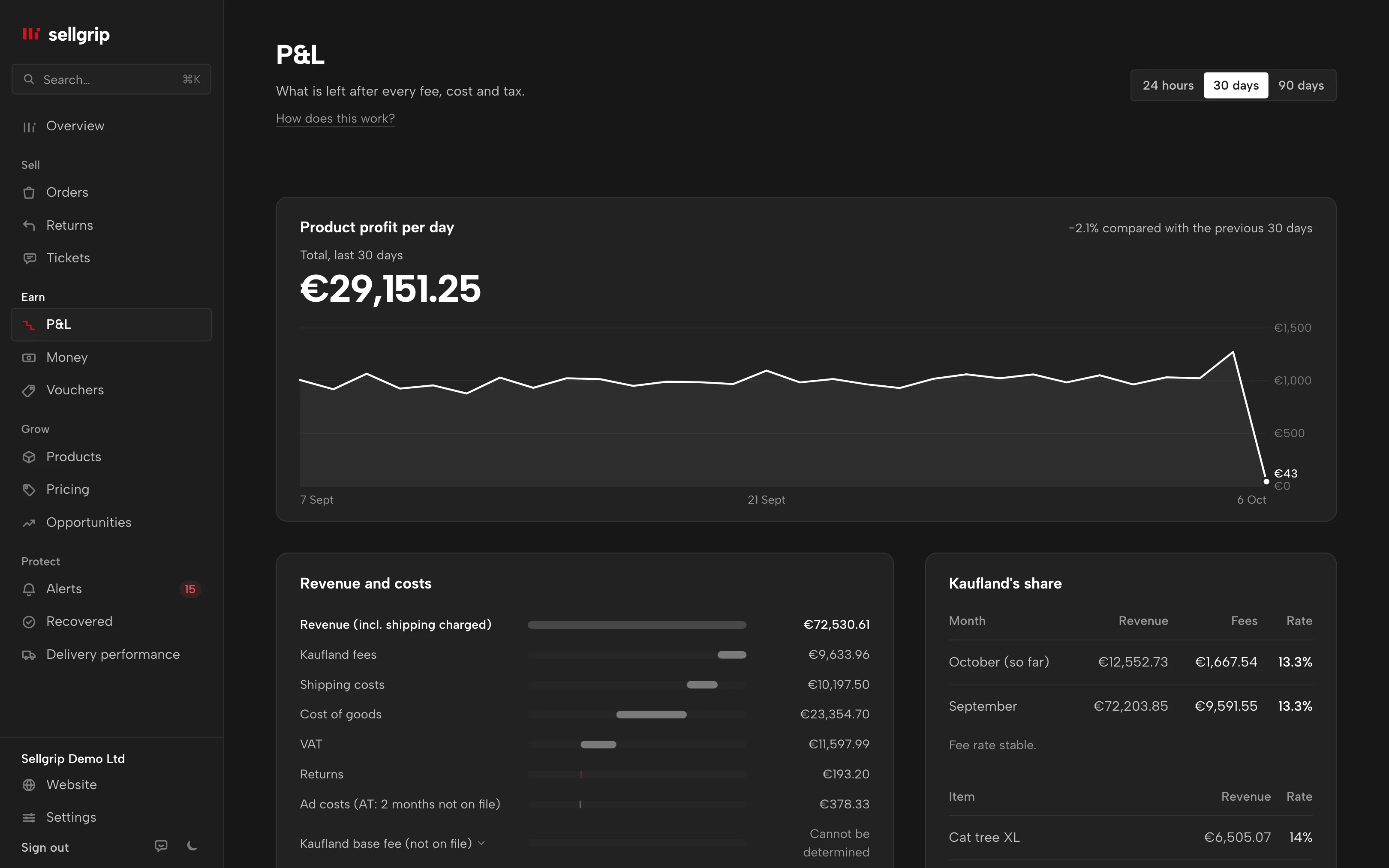
What the profit and loss shows
Revenue and costs
Kaufland fees, shipping costs, cost of goods, VAT, returns and advertising come off revenue including shipping. Every step with its amount.
Account-level costs
The Kaufland base fee and the cancellation fee have lines of their own. If something is missing, the last line says what net profit does not yet include.
Kaufland’s share
Commission and fees per month as a share of revenue, plus the items with the most revenue. Next to it, how many percentage points the share moved compared with the previous month.
Settling cancellations
Only your warehouse knows what a cancelled or returned item cost. Open items show up under “To do today”. For each one you pick: Never shipped, Back in stock, Lost / unsellable or Partly salvageable.
Changed figures
If a net profit Sellgrip already showed changes, it says so at the top with the old and the new amount. Possible causes are corrected settlement lines or a new valuation.
Czech and Polish sales in euros
Sales in koruna and złoty count in euros, at the ECB rate of the sale day. A note under the chart says so. A sale without a rate is named there separately.
How your profit and loss is built
-
The Kaufland settlement
Sellgrip reads orders and settlement lines through the Kaufland Seller API. If the settlement does not add up, Sellgrip draws no steps and says what is missing.
-
Your own costs
Upload purchase prices and advertising costs as a CSV, and enter the base fee once. You can also enter a single missing purchase price right where it shows. Kaufland does not provide advertising costs through the API.
-
One period for everything
Pick 24 hours, 30 or 90 days. Every line of the profit and loss then covers the same period.
Which costs Kaufland charges
On top of commission, Kaufland charges a monthly base fee and, with too many cancellations, a cancellation fee. Both apply to the account, not to one item.
That is why the profit and loss holds more than the product list. Profit per item is under Profit, the rates under Kaufland fees.
- Base fee: €39.95 or €59.95
- Basic costs €39.95 and Plus €59.95 a month, both excluding VAT. One base fee covers all Kaufland marketplaces together.
- Credit for advertising
- The Plus plan of the base fee includes €30 of credit a month for Sponsored Product Ads; Basic does not.
- Cancellation fee from 1%
- If your seller-related cancellation rate for a month is between 1% and 2.99%, Kaufland charges 7% of the total price of the cancelled transactions; over 3% it is 15%. You can check it with the cancellation rate calculator.
Sources: Kaufland, Conditions; Kaufland Seller University, Order management, read on 11 September 2026.
What you see in the profit and loss
- Product profit per day
- At the top, under “Product profit per day”, the total for the period and the change compared with the period before. The line below shows each day on its own.
- Revenue and costs
- Under “Revenue and costs”, a waterfall chart from revenue to net profit, one bar per type of cost. Unknown items show as “Cannot be determined”, with an explanation to expand.
- Kaufland’s share
- Under “Kaufland’s share”, the share for the current and the previous month, with five items and their own share below.
- VAT on fees
- Below the per-SKU table, a note says whether Kaufland’s fees are counted net or gross. If you have not set it, Sellgrip says what it assumes.
Questions about Profit and loss
What do I see without Pro?
Product profit per day and per item. The waterfall chart to net profit, Kaufland’s share and the month-end export come with Pro.
Why does it say “Net profit before Kaufland base fee”?
Because Sellgrip does not know your base fee yet, and the API does not provide it. Enter the amount and billing day under Settings and the note goes away.
Why is the waterfall chart sometimes missing?
Sellgrip only draws it when every cost is known and the settlement adds up. Otherwise it shows what is missing in its place. A transaction type Sellgrip has not seen before is first checked against your Kaufland invoice. Product profit stays available in the meantime.
Is product profit the same as net profit?
No. Product profit is before VAT and advertising, so it is higher.
How far back does the profit and loss go?
Twelve months on Pro, with no limit on Business. On the Free plan it is 30 days.
Related tools
- Kaufland seller fees: what selling on Kaufland costs Guide
- Kaufland fees 2026 Free calculator
- Commission by category Free calculator
- Profit calculator Free calculator
- Commission check Sellgrip tool
- Profit Sellgrip tool
Checked on , last updated
Start with Sellgrip today.
You can start free without a card or a contract. Want everything? Try Business for 14 days (payment details required). After that you pay for the plan you chose, plus VAT, unless you cancel first.