Earn
Know whether the next eight weeks are funded.
Sellgrip combines open Kaufland releases with your fixed expenses. It never invents future sales.
Try Pro or Business free for 14 days, then pay monthly or yearly for the plan you chose, plus VAT, unless you cancel first.
What the forecast shows
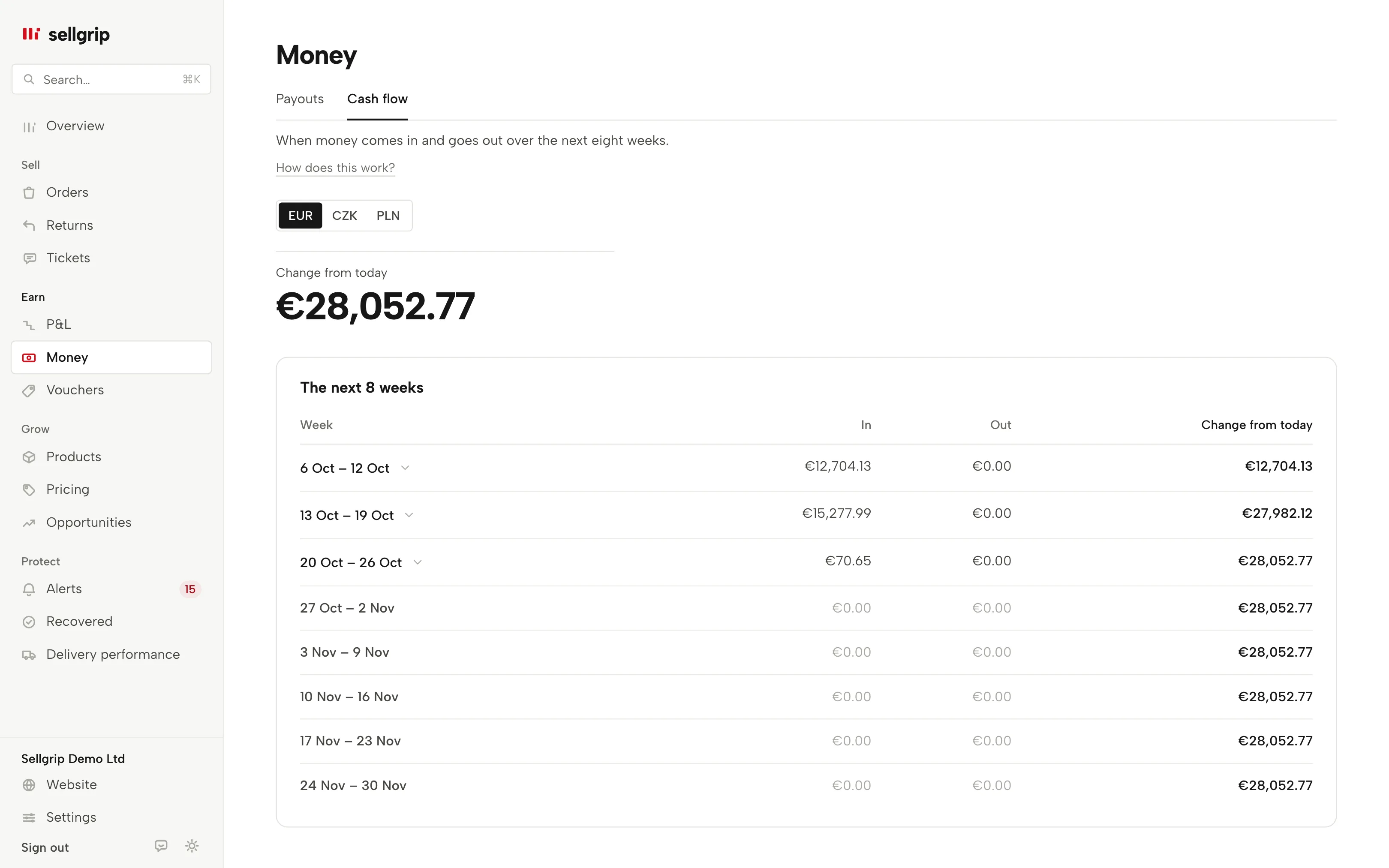
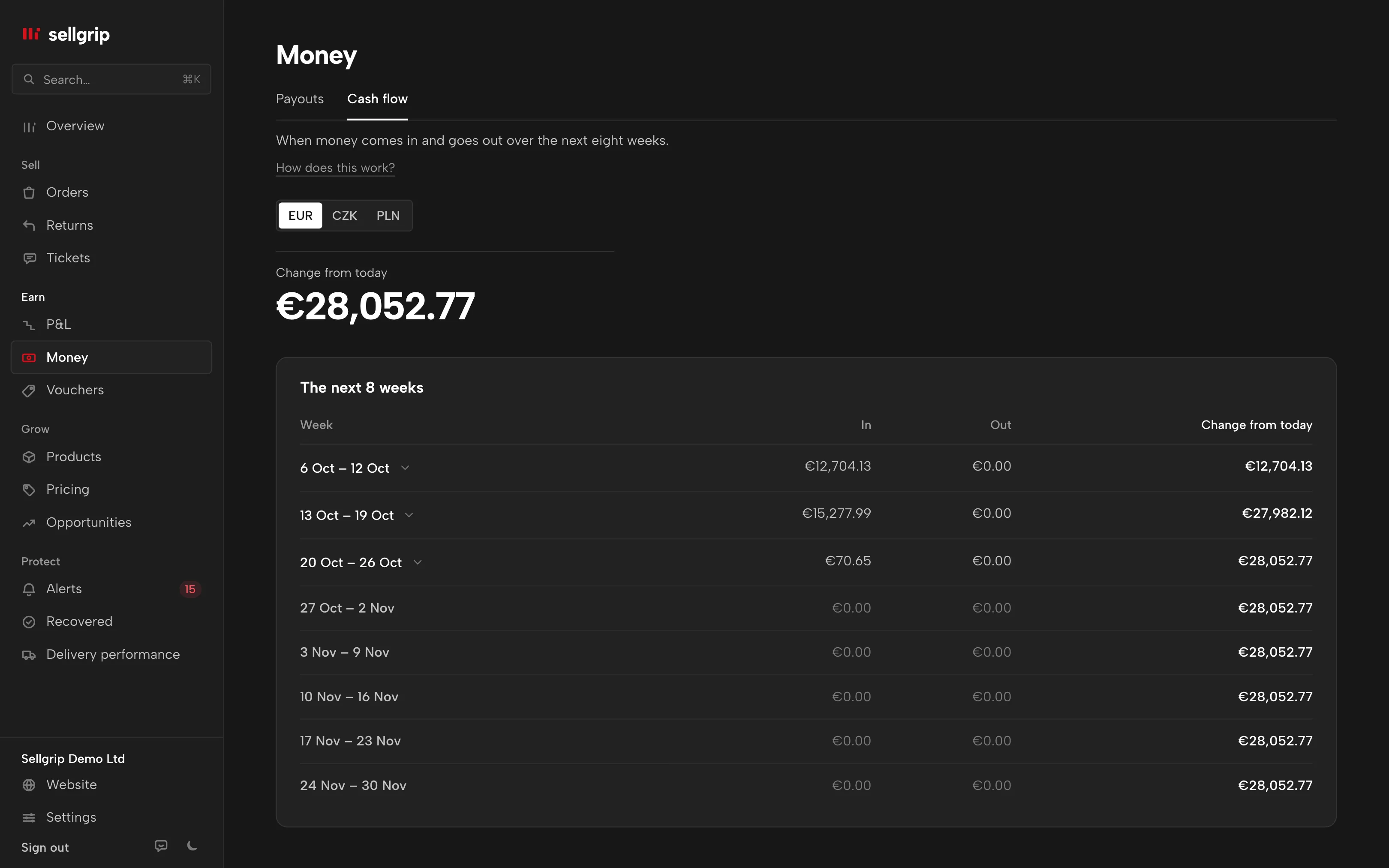
Eight weeks ahead
Each week shows what comes in, what goes out and where it leaves you: your balance, or without a balance the change from today.
Certain or expected
Every amount shows where it comes from: a document, your fixed entry or Kaufland’s 14- or 21-day rule.
Lowest balance and an early warning
With your balance entered, the figure at the top is your lowest balance and its week. The first week below zero gets a warning, so you can postpone a purchase or cost in time.
Kaufland costs included
Your Kaufland base fee from Settings counts every month on its billing day. A Kaufland deduction from an invoice goes in with its debit date.
How the forecast is built
-
Sellgrip reads open releases
Orders already sold are included with the release date Sellgrip can work out for them.
-
You add expenses
Under “Add expense” you choose a purchase, own costs or Kaufland ads, once, weekly or monthly. A Kaufland deduction goes in once, with the debit date from the invoice.
-
Sellgrip calculates week by week
An opening balance is optional. Without one, the screen shows only the change from today.
Only amounts with a source
The forecast assumes no future orders. Past receipts that were never confirmed, and amounts without a reliable date, stay visible next to the calculation.
The euro totals include koruna and złoty, converted at the ECB rate of each booking’s day and marked as converted. In their own currency they stay viewable separately; without a rate an amount is not counted.
- 14 or 21 days
- Kaufland releases your revenue 14 days after delivery (with a tracking number) or 21 days after the order is marked as shipped (without one). An open ticket pauses the period.
- No sales forecast
- Your own entries can only be expenses. Income comes only from settlement lines that already exist.
What you can do in Sellgrip
- Open each week
- Every weekly row expands to show its movements and their rules.
- Add your balance
- Under “Balance today”, an optional balance turns the change from today into a running account balance.
- Save your expenses
- Everything you add is listed under “Saved expenses” with its amount, and you can delete it there. Tick “Amount and date are fixed”, otherwise it counts as expected.
- See every exclusion
- Unknown dates, other currencies and missing costs are named below the table.
Questions about Cash flow forecast
Does Sellgrip estimate future sales?
No. It uses only existing Kaufland bookings and expenses you enter.
Why is an expected release missing?
An open ticket, missing delivery date, unknown tracking or a past unconfirmed date can keep a release out of the forecast.
Can I see several currencies?
Yes, separately as EUR, CZK or PLN. In euros, Sellgrip converts koruna and złoty at the ECB rate of the booking day.
Which plan includes the forecast?
It is part of Pro and Business, and of the 14-day trial of either plan.
Related tools
- When does Kaufland pay out? Guide
- Payout date calculator Free calculator
- Payouts Sellgrip tool
Last updated
Start with Sellgrip today.
You can start free without a card or a contract. Want everything? Try Business for 14 days (payment details required). After that you pay for the plan you chose, plus VAT, unless you cancel first.