Earn
Your profit after rent, software and staff.
Enter your fixed costs once, and Sellgrip takes them off the net profit in the P&L for any period. On the overview you see sales and profit from today up to the forecast for the month.
Try Business free for 14 days, without payment details. The 14 days start once your shop is connected. After that, choose a plan or carry on with the Free plan.
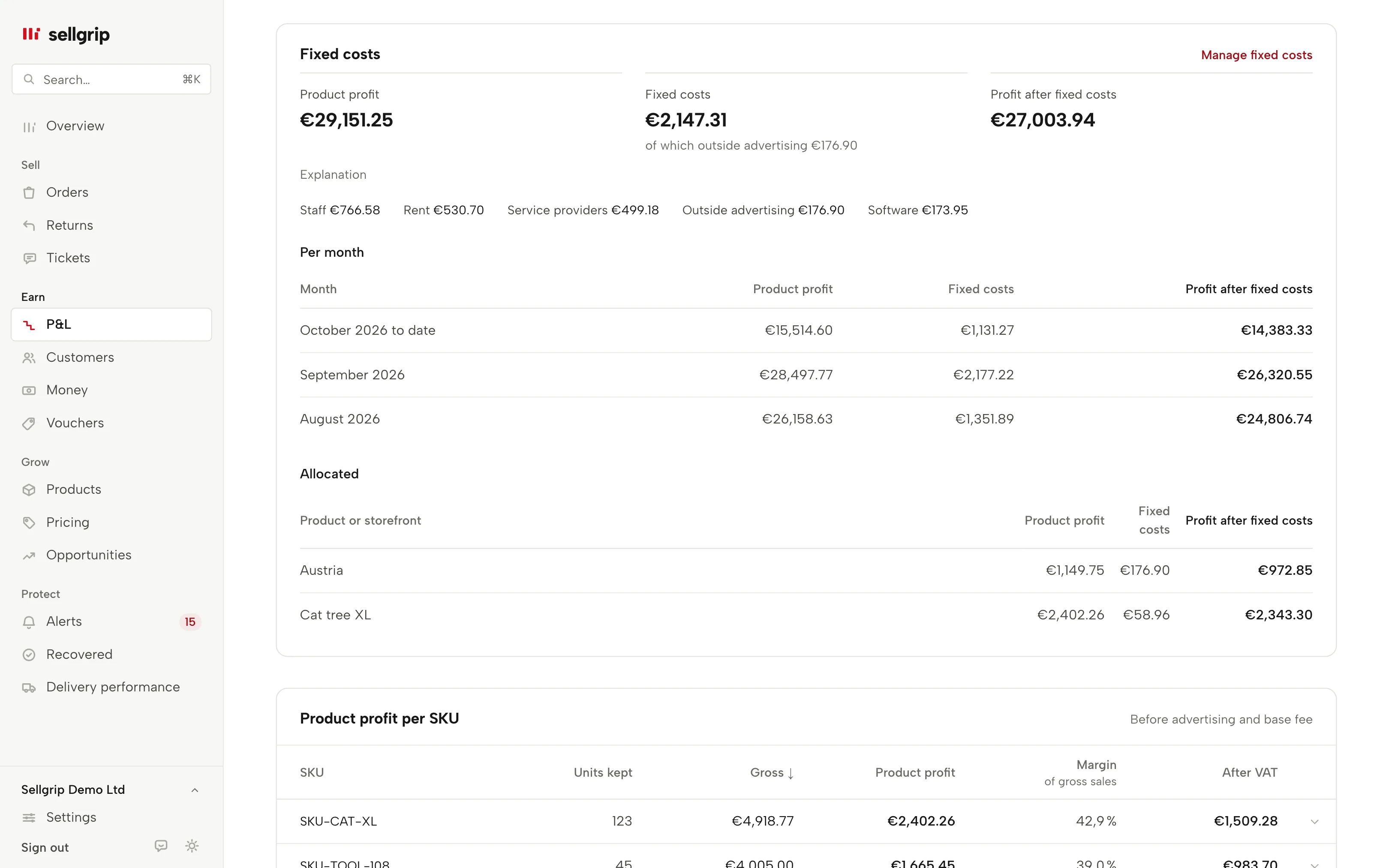
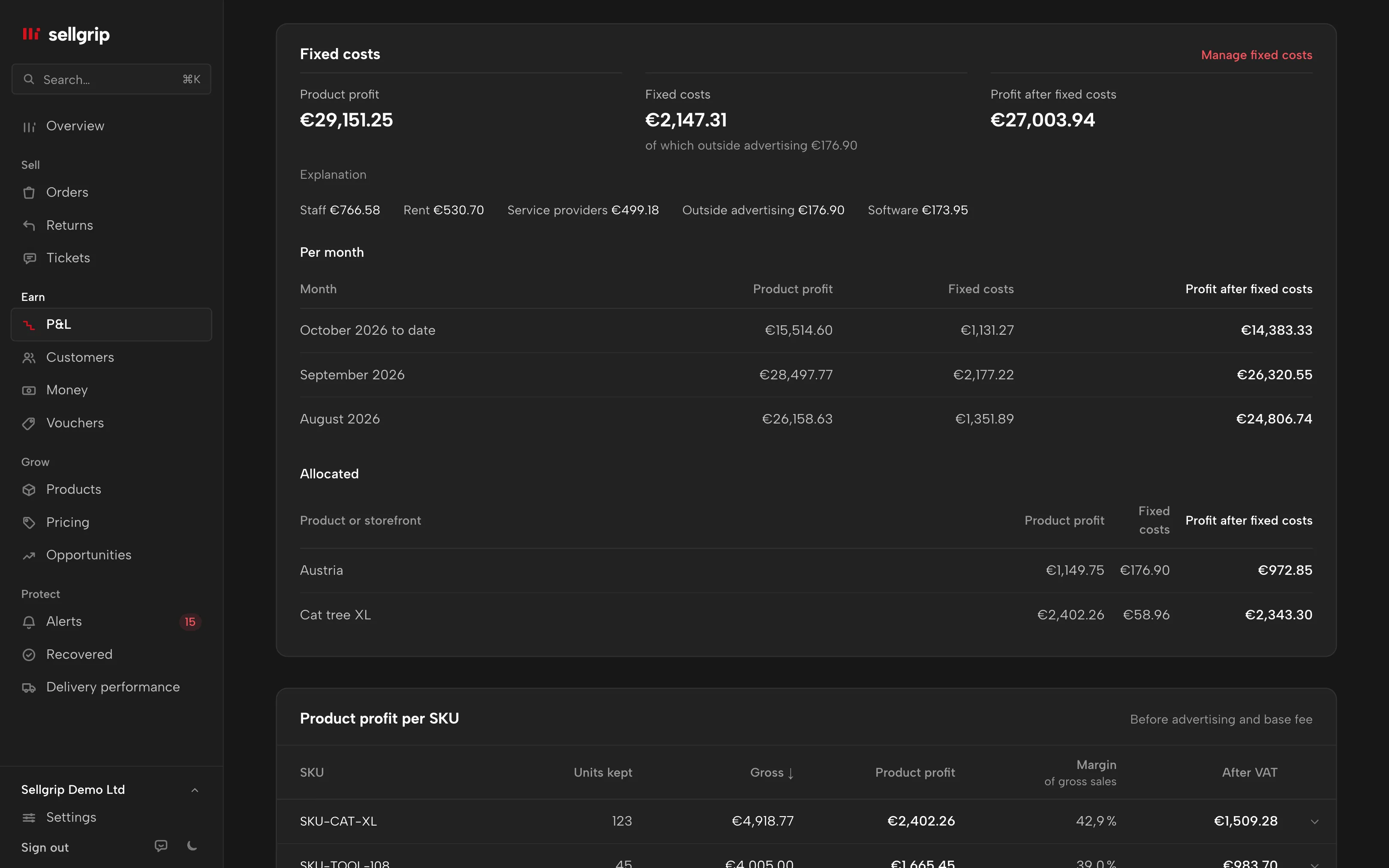
What Sellgrip does with your fixed costs
Profit after fixed costs
The net profit of the P&L minus the fixed costs of the calendar days in the period. The steps from product profit through VAT, Kaufland advertising and the base fee are listed line by line below it.
Any repeat
One-off, weekly, monthly, quarterly or yearly, with a start and an end. If you like, you spread a one-off cost over 2 to 60 months.
Categories and allocation
Software, staff, rent, external advertising, service providers and other. A cost applies to the whole shop, one product or one country.
Per month
Net profit, fixed costs and profit after fixed costs for every month, the current one up to today. Sellgrip spreads recurring costs evenly over the days.
Tiles on the overview
Today, yesterday, month to date, month forecast and last month: sales, orders, refunds, Kaufland fees, product profit and net profit, compared with the period before.
The forecast
Month to date, divided by the days passed, times the days of the month. Fixed costs count for the whole month. The forecast starts on the third day.
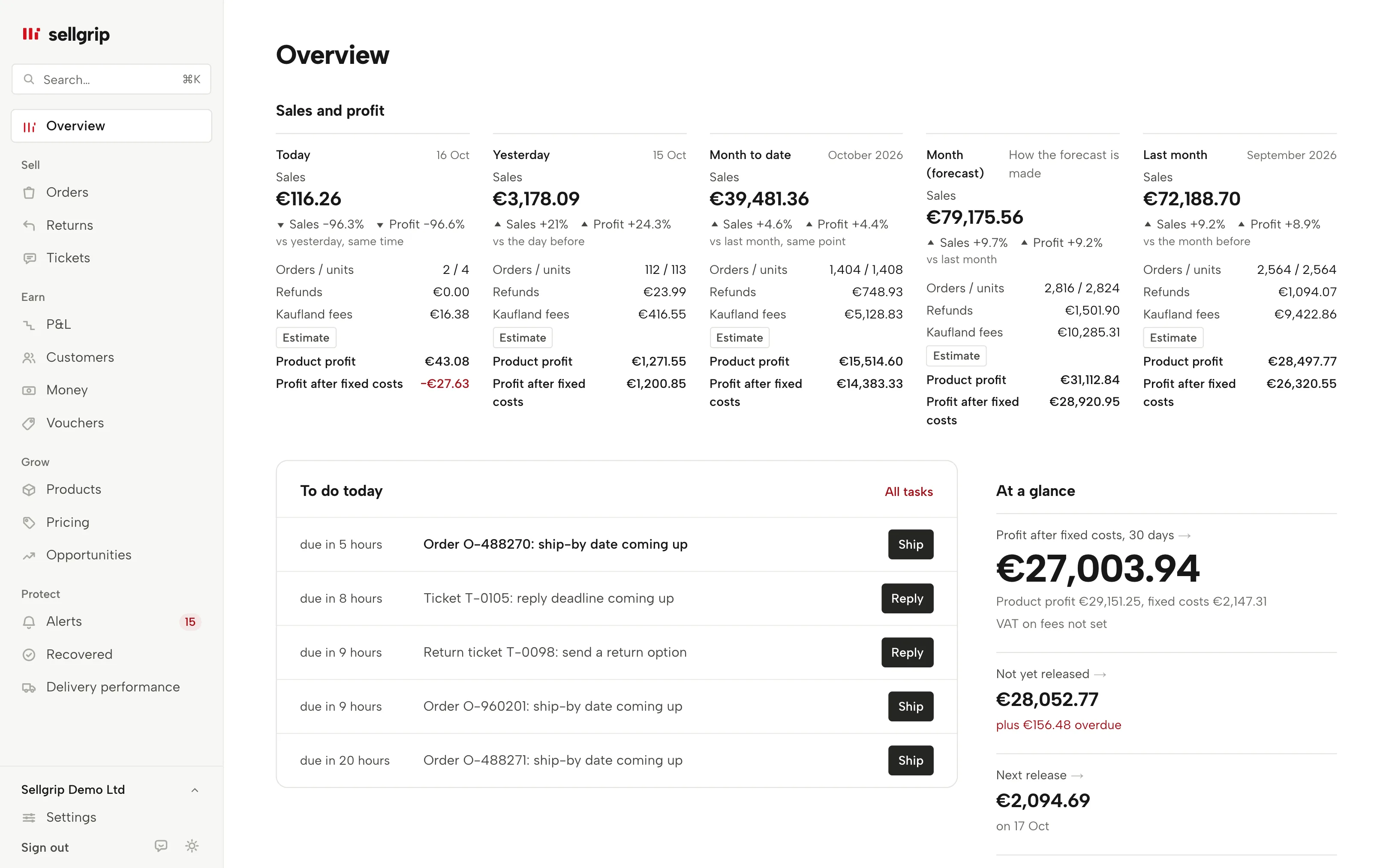
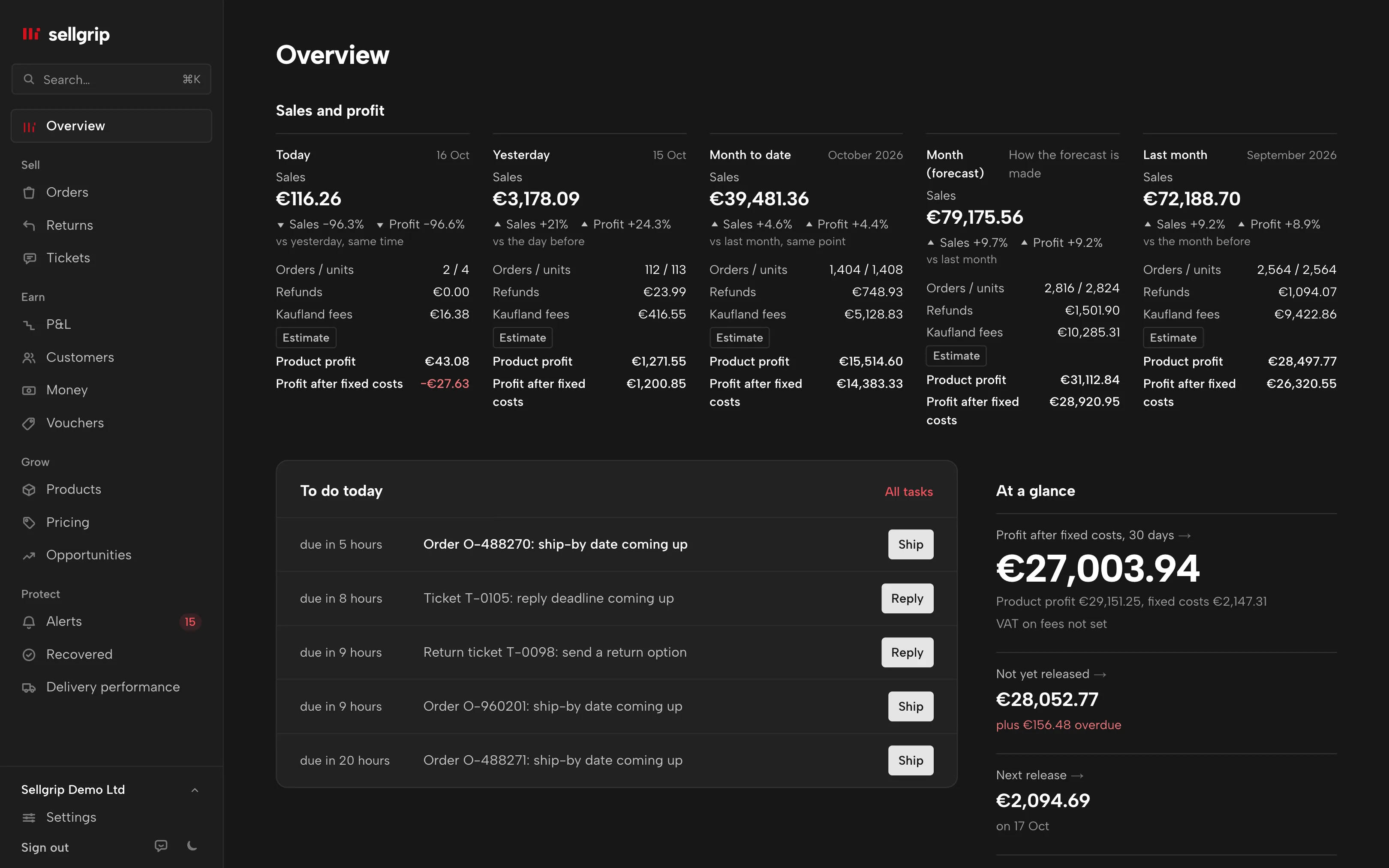
How your fixed costs get into the P&L
-
Enter the costs
Under Profit, in Fixed costs: name, category, net amount, VAT rate and repeat. Amounts in euro, koruna or złoty.
-
Or take them over
Import a CSV with semicolons, or take over your own costs that are already in the cash flow forecast.
-
Read your profit
The P&L shows the profit after fixed costs for any period, the overview for today, the month and the forecast.
What does not belong in fixed costs
Cost of goods, Kaufland fees, the base fee and Kaufland advertising are already in the P&L. Do not enter them again, or they count twice.
Fixed costs count net. Sellgrip converts koruna and złoty at the ECB rate; if a rate is missing, the P&L says which cost is not included.
Where you see it in Sellgrip
- P&L
- In the P&L: net profit, fixed costs and profit after fixed costs for the period and per month, external advertising as its own line.
- Overview
- The sales and profit tiles at the top of the overview. They show the profit after fixed costs once you have entered any.
- Cash flow forecast
- You take over your own costs from the cash flow forecast with one click.
- CSV
- You download the costs you entered as CSV and upload them again with the same columns.
Questions about fixed costs
What belongs in fixed costs?
Costs that do not depend on an order: rent, software, staff, service providers or advertising outside Kaufland.
How does Sellgrip spread a yearly invoice?
Recurring costs count evenly per day. One-off costs count in the month of their date or, if you choose, spread over 2 to 60 months.
How is the month forecast made?
Month to date, divided by the days passed, times the days of the month. No season and no trend, so you can follow the sum yourself.
Can I allocate costs to a product?
Yes, to a product by SKU or EAN, or to one country. Without an allocation they apply to the whole shop.
How many costs can I enter?
Up to 500.
Which plan includes fixed costs?
Pro and Business, as part of the full P&L. The sales and profit tiles on the overview are on every plan.
Related tools
- Kaufland seller fees: what selling on Kaufland costs Guide
- Sell on Kaufland: the 2026 guide for international sellers Guide
- The Kaufland Seller Portal explained, step by step Guide
Last updated
Start with Sellgrip today.
Try Business free for 14 days, without payment details or a contract. The 14 days start once your shop is connected. After that, choose a plan or carry on with Free.