Team and account
Several Kaufland shops, one login.
For agencies and sellers with several Kaufland accounts. You switch between shops with one click and see them all on one page, each with its own figures.
No payment details, no minimum term.
What you get with multiple shops
Switch shop
One click at the top of the dashboard opens the list of your shops. On every switch, Sellgrip checks again that you may open the shop.
All shops
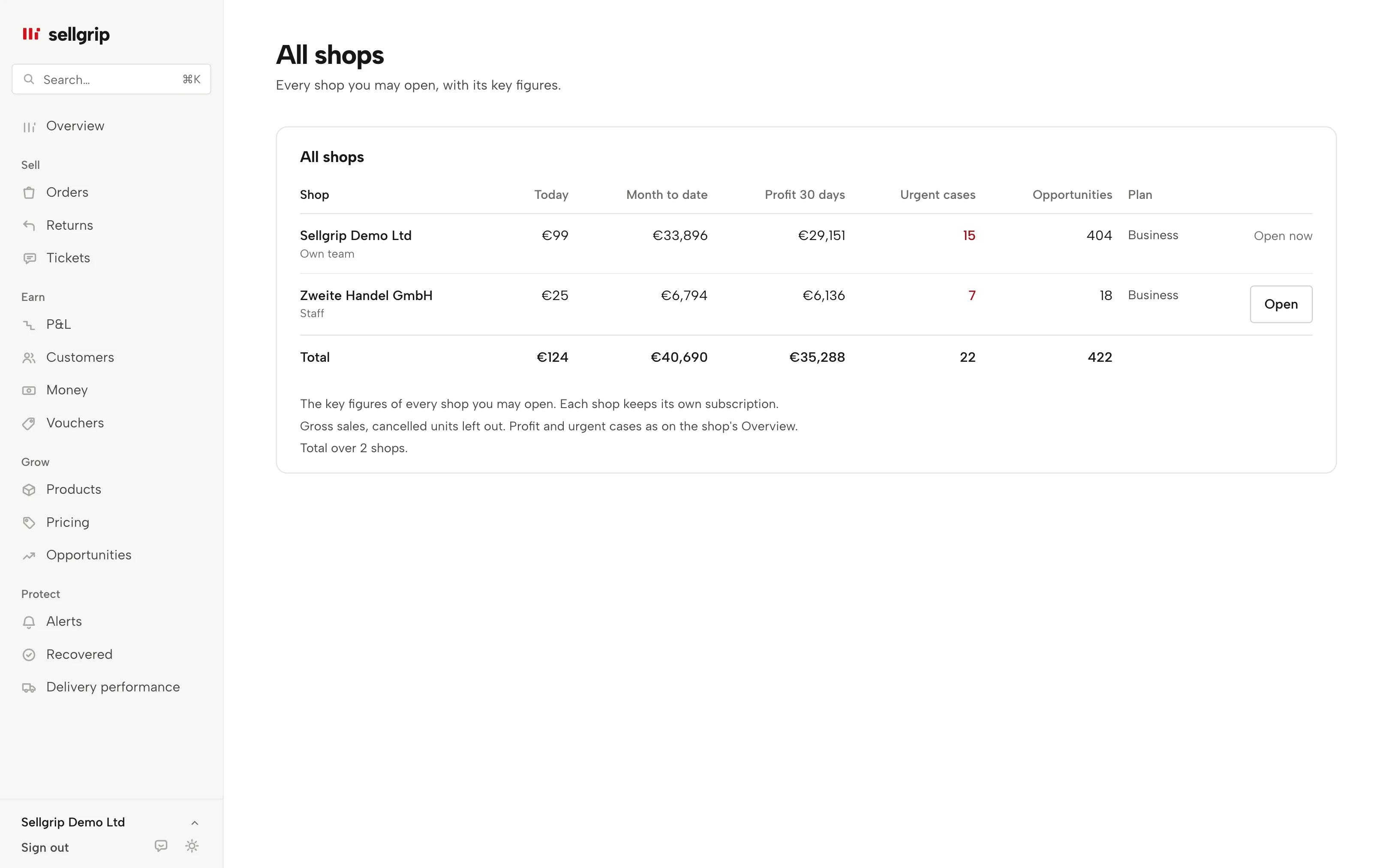
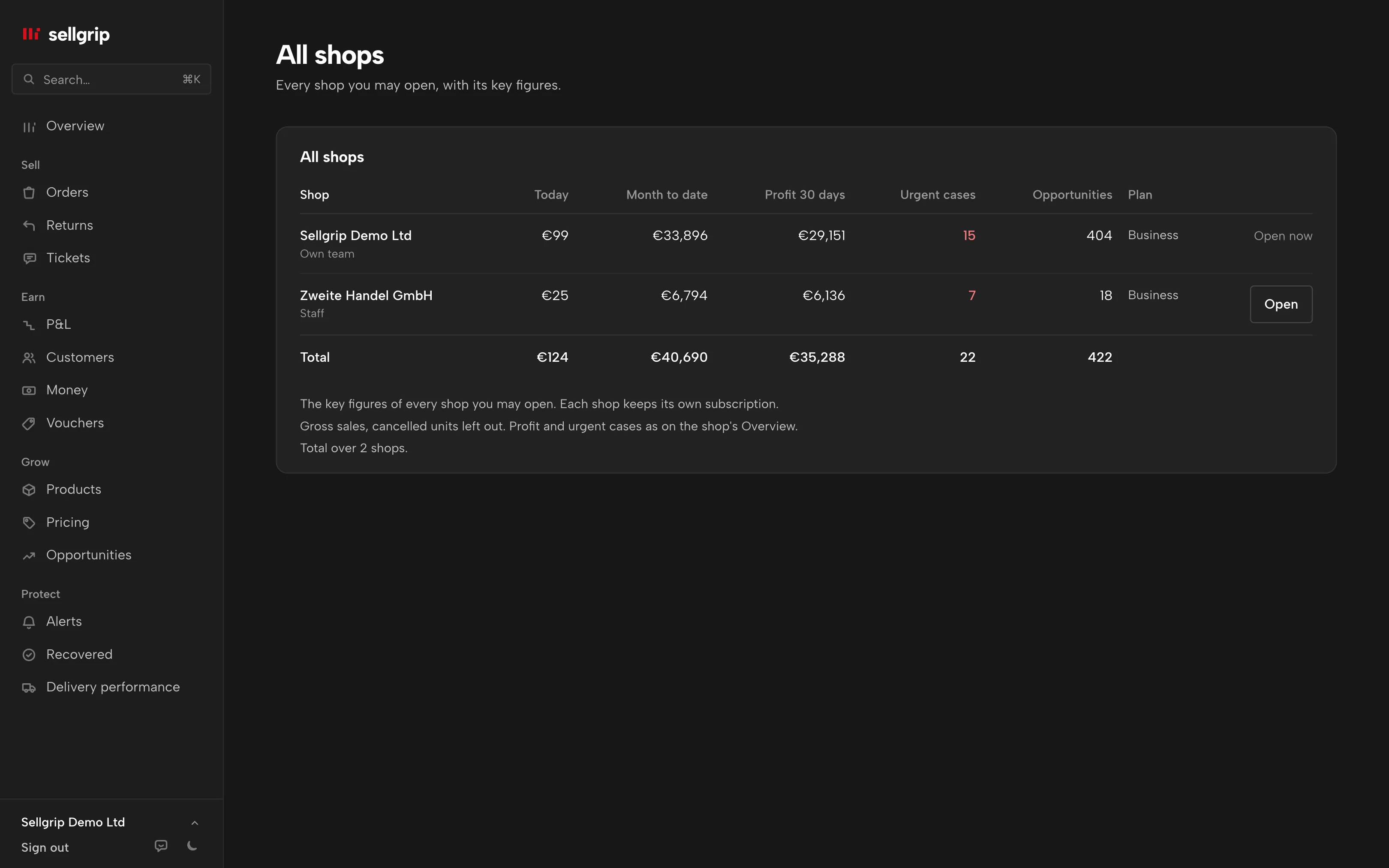
One page with every shop: sales today and this month, profit of the last 30 days, urgent cases, opportunities, connection and plan. Plus the total.
Added up in euro
Sellgrip converts koruna and złoty at the ECB rate of the day of sale. If a shop cannot be reached, it says so and the shop is left out of the total.
Access only from the owner
Only the owner of a shop can invite another Sellgrip login. Nobody can request access or add someone else’s shop.
Roles
Invited logins work as staff or as accounting. Billing, Kaufland keys, team and API keys stay with the owner.
Each shop on its own
The data stays separate, and each shop keeps its own subscription. Invited logins do not count as users of the shop.
How you get into another shop
-
The owner invites you
In Settings, under “Agencies and other shops”, the owner enters the email address of your Sellgrip login and the role.
-
You accept
The invitation appears under “All shops” and in the shop switcher. One click on Accept, and the shop is in your list.
-
Switch or compare
Open a shop through the shop switcher, or see them all together under “All shops”.
The shop decides who comes in
Every request runs for exactly one shop. A switch is a new sign-in to the other shop, made only after Sellgrip has checked the access there again.
If the owner revokes access, it ends within 5 minutes at the latest. Every invitation, role change and visit is in the shop’s log.
Where you see it in Sellgrip
- Shop switcher
- At the top of the dashboard, with your shops and open invitations.
- All shops
- The overview of every shop you may open, with the total and invitations.
- Settings
- Under “Agencies and other shops” the owner invites, changes roles or revokes access.
- Team and roles
- Your own team stays as it is. Team and roles handles the logins in your shop.
Questions about multiple shops
Who is this for?
For agencies that run Kaufland shops for clients, and for companies with several Kaufland seller accounts.
Does another shop cost extra?
Each shop has its own plan, as before. You pay nothing extra for access to another shop.
Can I add a shop myself?
No. Only the owner of the shop can invite you. That way the shop always decides who comes in.
What may an agency do in a shop?
Work or only read, depending on the role. Billing, Kaufland keys, the team and deleting the account stay with the owner.
Do I get the invitation by email?
Not yet. The invitation appears in your dashboard under “All shops” and in the shop switcher.
Is this in the demo?
No, the demo shows one shop. With your own login you see your shops under “All shops”.
Related tools
- Sell on Kaufland: the 2026 guide for international sellers Guide
- The Kaufland Seller Portal explained, step by step Guide
Checked on , last updated
Start with Sellgrip today.
Try Business free for 14 days, without payment details or a contract. The 14 days start once your shop is connected. After that, choose a plan or carry on with Free.