Protect
What is urgent reaches your phone.
Sellgrip sends a notification when a deadline ends in under 4 hours, the Buy Box is lost, an offer sells out or a return comes in. To your phone and to your desktop.
No payment details, no minimum term.
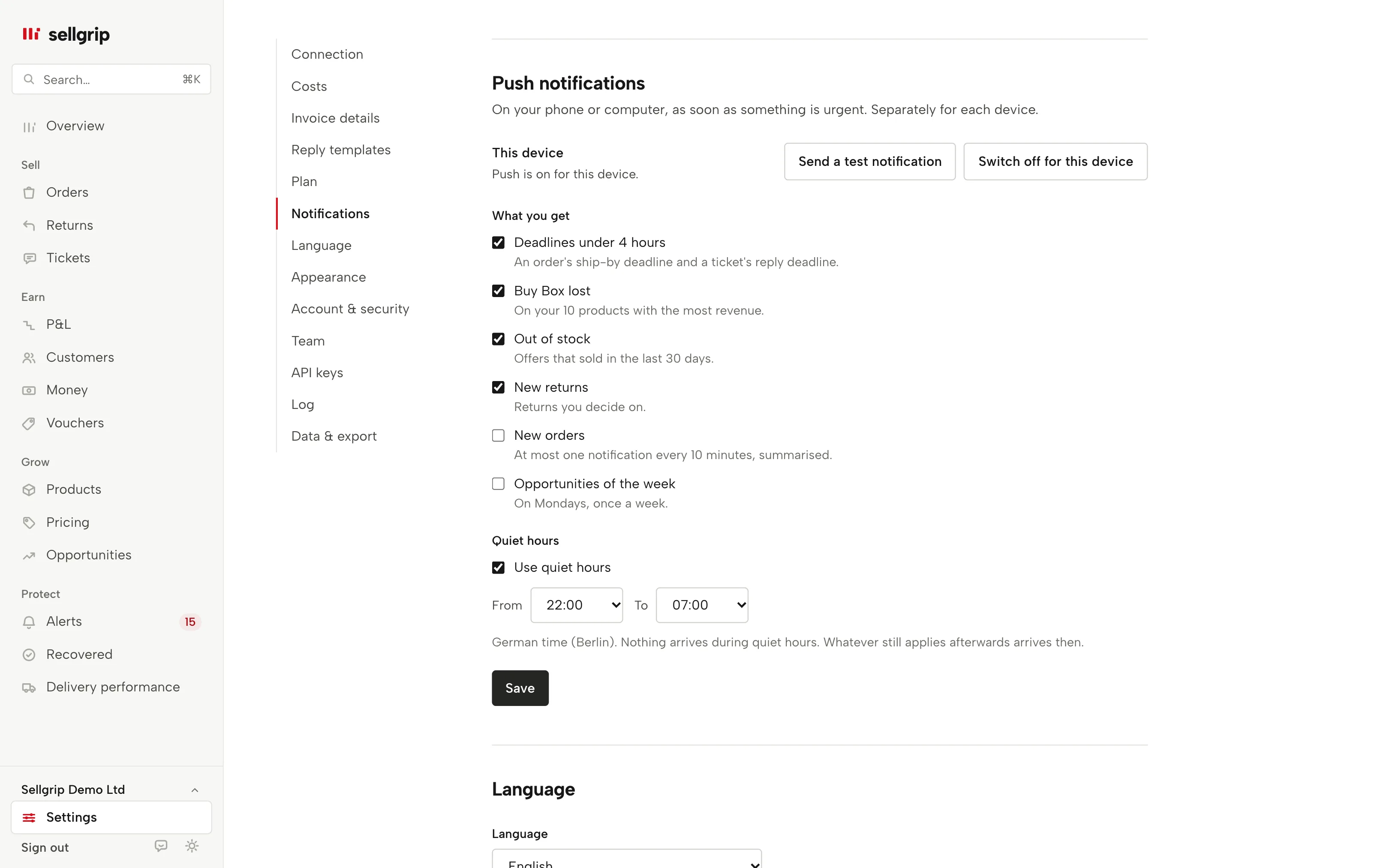
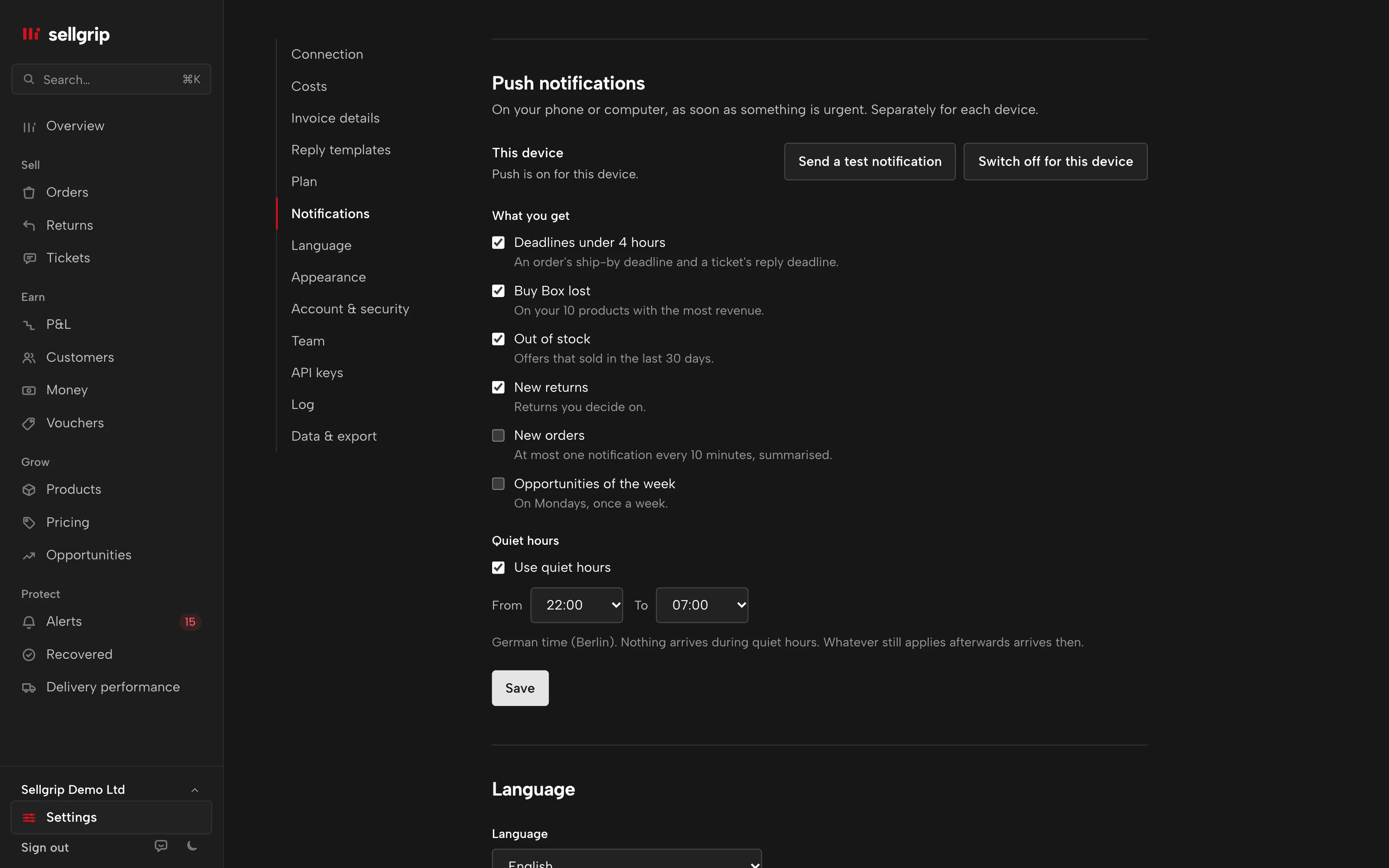
What Sellgrip notifies you about
Deadlines under 4 hours
A unit has to ship soon, or the 48-hour reply deadline of a ticket is running out.
Buy Box lost
One of your 10 products with the most revenue in the last 30 days has lost the Buy Box to another seller.
Out of stock
An offer that sold in the last 30 days is now at 0.
New returns
A return from the last 48 hours that you decide on. Not returns fulfilled by Kaufland.
New orders
If you like, a summary, at most one every 10 minutes. Off at the start.
Opportunities of the week
If you like, once on Monday, with your opportunities. Off at the start.
How to switch push on
-
Switch it on
Under Settings, in Push notifications, tap “Switch on for this device” and allow notifications.
-
Choose
For each device you choose the areas and your quiet hours, set to 22:00 to 07:00 at the start.
-
Test it
With “Send test notification” you see at once whether it arrives.
On an iPhone through the home screen
On iPhone and iPad from iOS 16.4, push notifications only work in the installed web app. Open Sellgrip in Safari, tap Share and “Add to Home Screen”, then switch push on in the app.
On Android and on a desktop it works right in the browser, in Chrome, Edge, Firefox and Safari from macOS 13. On a Mac, the browser itself must be allowed to send notifications.
- Not too many
- At most 6 notifications an hour and 40 a day per device, the most urgent first. Several cases of one area come as one notification.
- Quiet hours
- What comes up during quiet hours and still applies afterwards is sent afterwards. Each case reaches a device only once.
Where you see it in Sellgrip
- Settings
- Under Push notifications you switch on each device separately, with its own switches and quiet hours.
- Web app
- Sellgrip on your home screen: that is how notifications reach an iPhone. More on the web app.
- Alerts
- Sellgrip counts deadlines as in Alerts, for tickets in business hours.
- Daily email
- The morning email stays. Push comes on top, for what cannot wait until tomorrow.
Questions about push notifications
Does push cost extra?
No. Push notifications are on every plan, including Free.
Does it work on an iPhone?
Yes, from iOS 16.4 in the installed web app. In a Safari tab, Sellgrip shows the steps for it.
Can I have quiet at night?
Yes. Quiet hours are set to 22:00 to 07:00 and can be changed per device. What still applies afterwards is sent afterwards.
Do I get a notification for every order?
Only if you switch that on, and then as a summary at most every 10 minutes.
In which language do notifications come?
In the language of your login, otherwise in the language of the browser.
Is push in the demo?
No, the demo sends no notifications. With your own account you switch them on per device.
Related tools
- Daily email Sellgrip tool
- Sell on Kaufland: the 2026 guide for international sellers Guide
- The Kaufland Seller Portal explained, step by step Guide
Checked on , last updated
Start with Sellgrip today.
Try Business free for 14 days, without payment details or a contract. The 14 days start once your shop is connected. After that, choose a plan or carry on with Free.