Earn
How much money is awaiting release, and when Kaufland releases it.
Kaufland releases your revenue 14 days after delivery, or 21 days after the order is marked as shipped if it has no tracking number. Sellgrip works out the day for every order and puts the amounts in a calendar.
Try Pro or Business free for 14 days, then pay monthly or yearly for the plan you chose, plus VAT, unless you cancel first.
What you see under Payouts
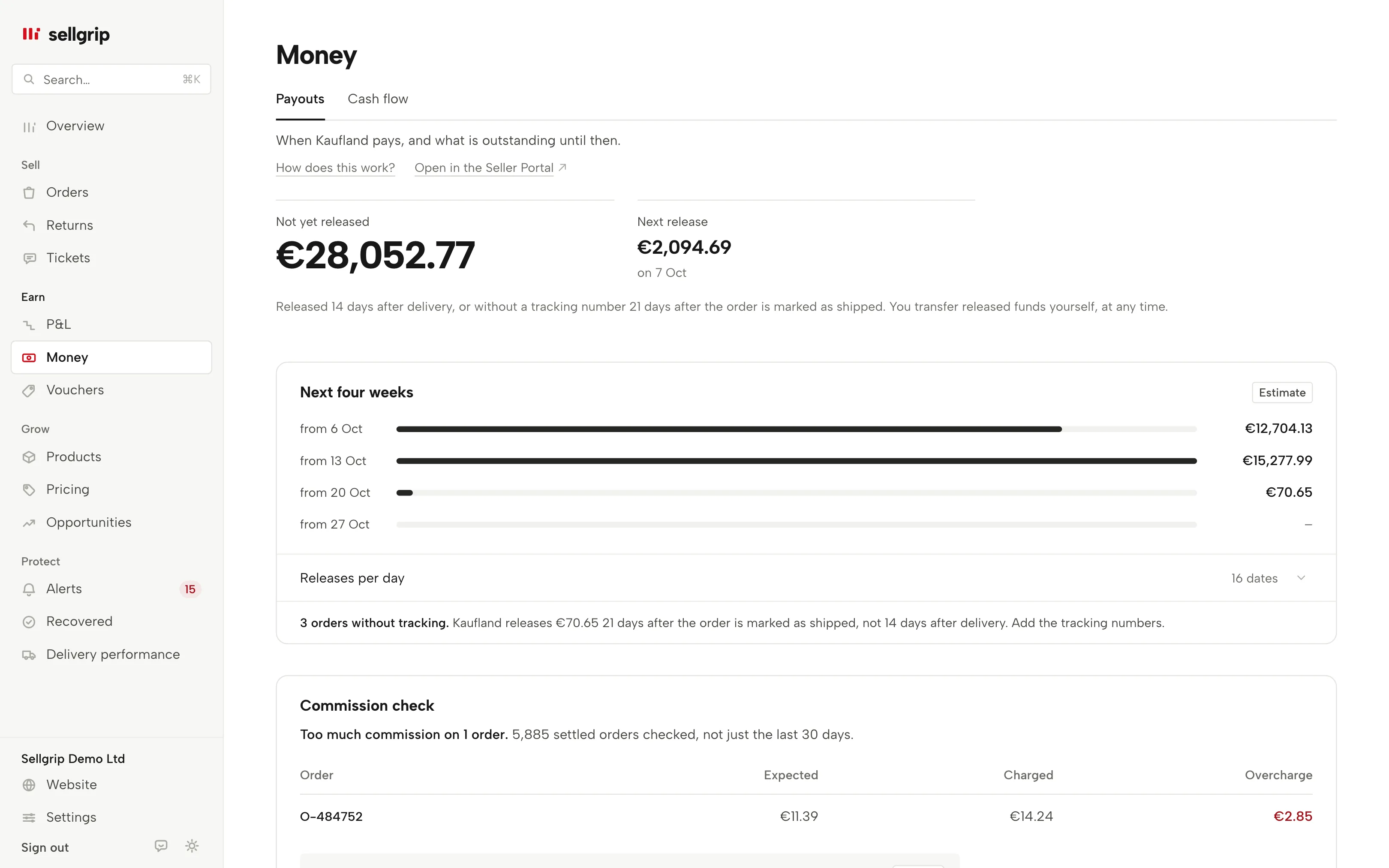
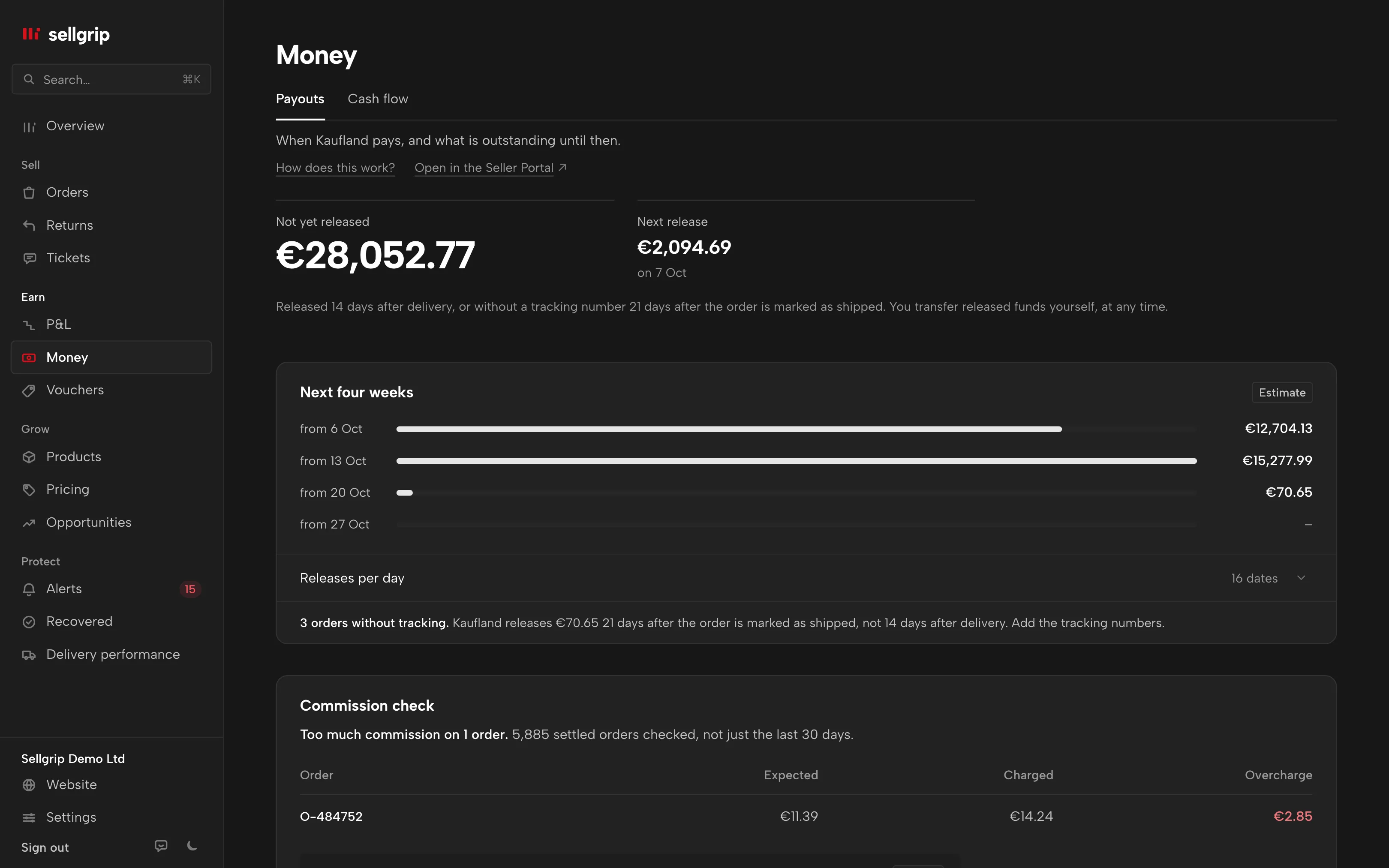
Not yet released
The total that is still inside Kaufland’s release period. This is the normal process and not money being withheld.
Next release and four weeks
Amount and day of the next release, plus the totals for the coming four weeks. Expand it to see each date with its number of orders.
Overdue releases
If a release day has passed and the money is missing, Sellgrip shows the amount and how many days late it is. With Business you also get a text for Kaufland and an evidence file.
Orders without tracking
Sellgrip counts them and shows their amount. For these orders the 21 days run from the day they were marked as shipped, and the page asks you to add the tracking numbers.
Koruna and złoty too
Amounts from kaufland.cz and kaufland.pl count in euros, converted at the ECB rate of each booking day. The page says so, and names any amount that has no rate yet.
The commission too
Further down the same page, Sellgrip checks the commission of every settled order. More under Commission check.
How the calendar is built
-
From delivery, or from marking as shipped
The Kaufland settlement has no release date. Sellgrip takes the delivery day of each order line and adds 14 days; without a tracking number it counts 21 days from the day the order was marked as shipped.
-
Open tickets count
If an order has an open ticket, its release period is paused. Sellgrip then gives it no date and never calls it overdue.
-
Overdue only with evidence
Sellgrip only calls a release overdue when your settlement shows payments and the day is certain. If it is unclear whether 14 or 21 days apply, Sellgrip shows the amount without a date.
Release is not the bank transfer
Kaufland releases your revenue after a fixed period. You transfer released funds yourself, at any time, in the Accounting section of the Seller Portal.
That is why Sellgrip talks about release, not transfer. The payout date calculator works out the release day for a single order.
- 14 days after delivery
- That is the release period for a delivered order with a tracking number.
- 21 days without tracking
- Without a tracking number, Kaufland releases your revenue 21 days after the order is marked as shipped.
- An open ticket pauses the period
- While a ticket on the order is open, the release period does not run.
Source: Kaufland Seller University, Payment, read on 11 September 2026.
What you see in Sellgrip
- Two figures at the top
- “Not yet released” and “Next release”. On Free, the next release only shows which plan includes it.
- The next four weeks
- Under “Next four weeks”, one bar per week with the expected amount, marked as an estimate. Below it, releases per day with date, orders and amount.
- Overdue release
- The amount in red and how many days late. On Business, it comes with a ready-made release request to copy and the evidence file to download.
- Notes under the calendar
- Orders without tracking and settlement lines without an order are listed there with their amount. The lines without an order are not in the totals above.
Questions about Payouts
Does released mean the money is in my bank account?
No. After release you transfer the funds yourself, at any time, in the Accounting section of the Seller Portal.
What do I see on the Free plan?
How much is not yet released, and whether a release is overdue. The calendar with days and weeks comes with Pro.
Why does the next release say “Day cannot be calculated”?
Kaufland does not always show whether a shipment had a tracking number. Then it is unclear whether 14 or 21 days apply, and Sellgrip gives no date.
Why is an order missing from the calendar?
Usually it has an open ticket that pauses the release period. Once the ticket is closed, Sellgrip adds it back at the next sync.
Do overdue releases also appear in Alerts?
Yes, as a case with its amount in Alerts. The button there takes you back to Payouts.
Related tools
- When does Kaufland pay out? Guide
- Payout date calculator Free calculator
- Cash flow forecast Sellgrip tool
Checked on , last updated
Start with Sellgrip today.
You can start free without a card or a contract. Want everything? Try Business for 14 days (payment details required). After that you pay for the plan you chose, plus VAT, unless you cancel first.