Sell
See which products come back unusually often.
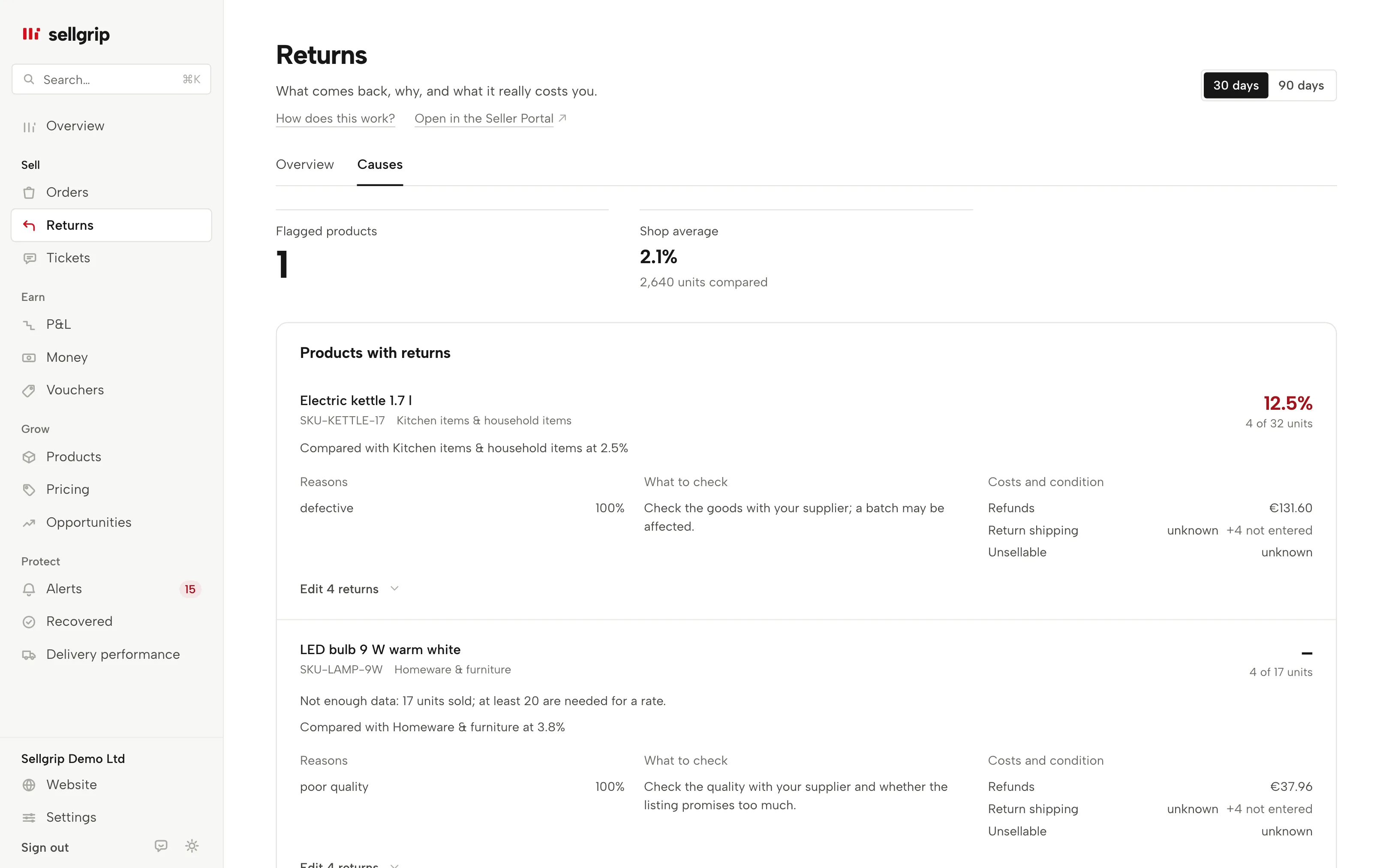
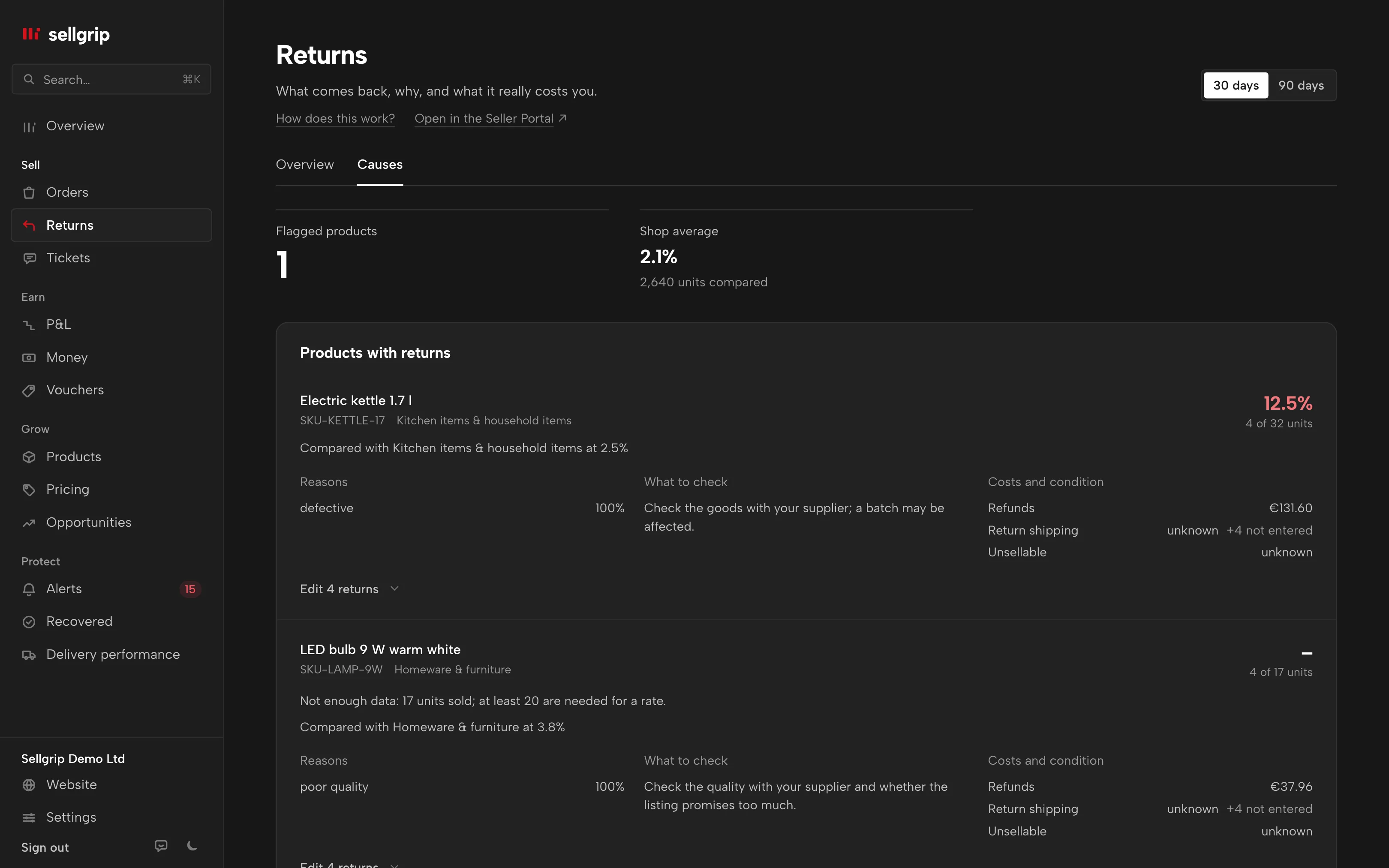
The returns radar compares every product with your own shop or its category. It shows reasons, known costs and a practical point to check.
Try Pro or Business free for 14 days, then pay monthly or yearly for the plan you chose, plus VAT, unless you cancel first.
What the returns radar shows
Flagged products first
Sellgrip flags a product only with enough sales, at least three returns and a clear gap above your own average.
Reasons and checks
Kaufland’s return reasons point to what to check: sizing, images, description, package contents, packaging, delivery time, the EAN and variant, or the quality with your supplier.
Costs without guesses
Known refunds are added. Return shipping and unsellable goods stay unknown until you record them for each return.
One period for both views
30 or 90 days, chosen at the top right of the Returns page. “Overview” and “Causes” then always cover the same days.
How the comparison works
-
Sellgrip counts sales and returns
For the selected period, Sellgrip counts sold and returned units using the same rules as the returns analysis.
-
Your own average is the baseline
When enough category data exists, Sellgrip uses your category. Otherwise it compares with your whole shop.
-
You check the cause
When returns pile up, you see the most common reasons and a matching check. You can add return shipping and condition directly.
What the radar compares with
Kaufland does not provide a marketplace-wide return-rate average by category. Sellgrip therefore does not claim to compare your shop with the whole marketplace.
Fewer than 20 sold units are too little for a useful rate. The radar then shows the counts and states that more data is needed.
- Three conditions
- At least three returns, at least 1.5 times the baseline and a gap of at least five percentage points.
- Currencies stay separate
- Euros, złoty and koruna are never added together. Every known amount stays in its own currency.
What you see in Sellgrip
- Two views on the Returns page
- On the Returns page, switch between “Overview” and “Causes”.
- Rate with its sample
- Each product shows its return rate, returned units, sold units and the baseline used.
- Hints from return reasons
- A hint appears only when the same reason occurs often enough. One-off cases do not trigger advice.
- Details per return
- Under each product, a link such as “Edit 3 returns” opens its returns. Owners and staff enter the return shipping and choose “Can be resold” or “Cannot be resold” under “After return”. Accounting can read everything.
Questions about Returns radar
Does Sellgrip compare with all Kaufland sellers?
No. Kaufland provides no marketplace-wide category average, so Sellgrip compares only with your own products.
When is a product flagged?
From 20 sold units, with at least three returns, 1.5 times the baseline and a five-point gap.
How does Sellgrip know the return costs?
Refunds come from order data. You record return shipping and resale condition for each return.
Which plan includes the radar?
Pro and Business. The returns analysis itself is on the Free plan.
Related tools
- Kaufland returns: deadlines, costs and rejecting a return Guide
- Return cost calculator Free calculator
- Returns Sellgrip tool
- Return decisions Sellgrip tool
Last updated
Start with Sellgrip today.
You can start free without a card or a contract. Want everything? Try Business for 14 days (payment details required). After that you pay for the plan you chose, plus VAT, unless you cancel first.