Grow
Where your price sits above the lowest offer.
Sellgrip puts your price next to the lowest offer on Kaufland and the price online. The items where you are furthest above come first.
Try Pro or Business free for 14 days, then pay monthly or yearly for the plan you chose, plus VAT, unless you cancel first.
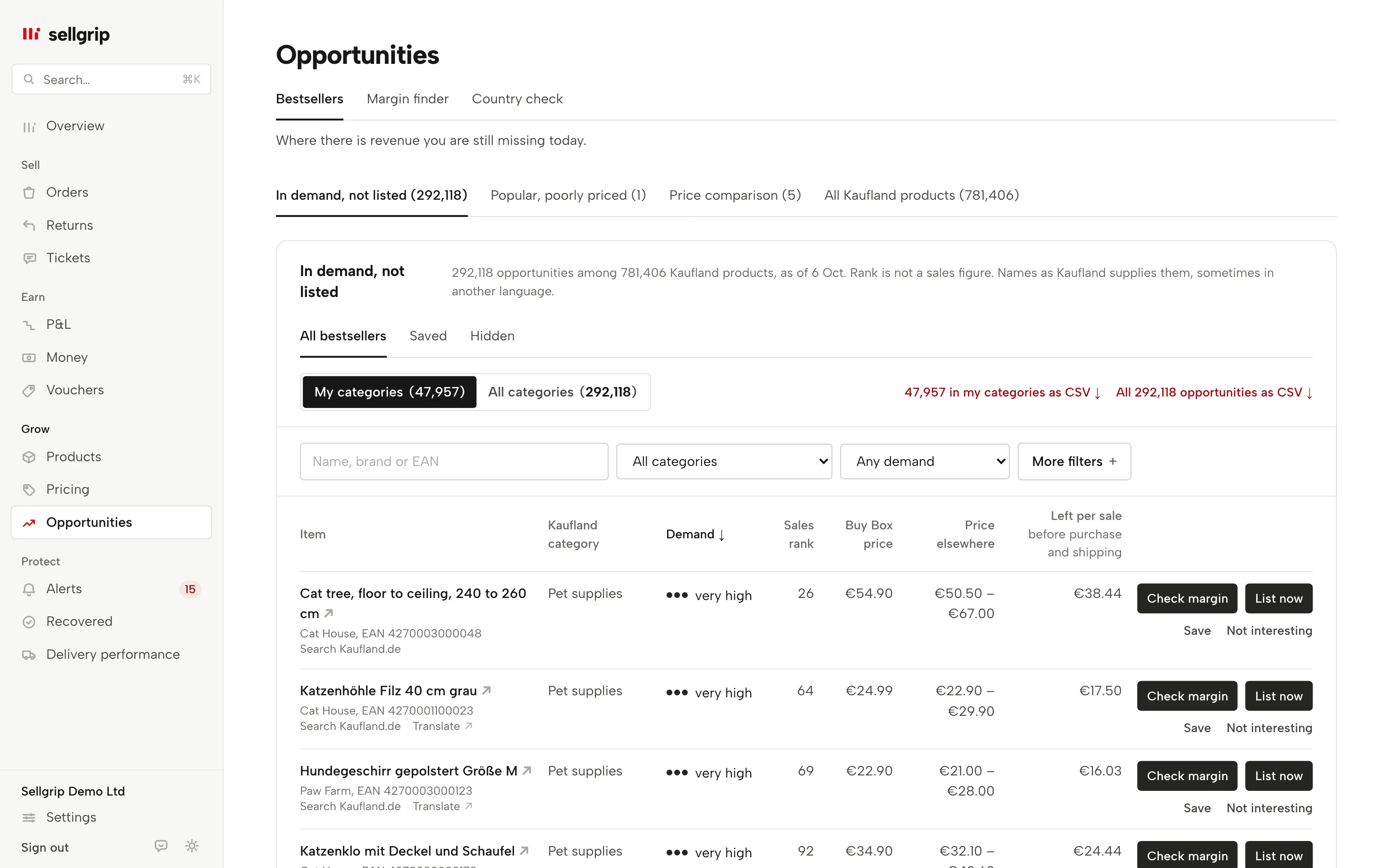
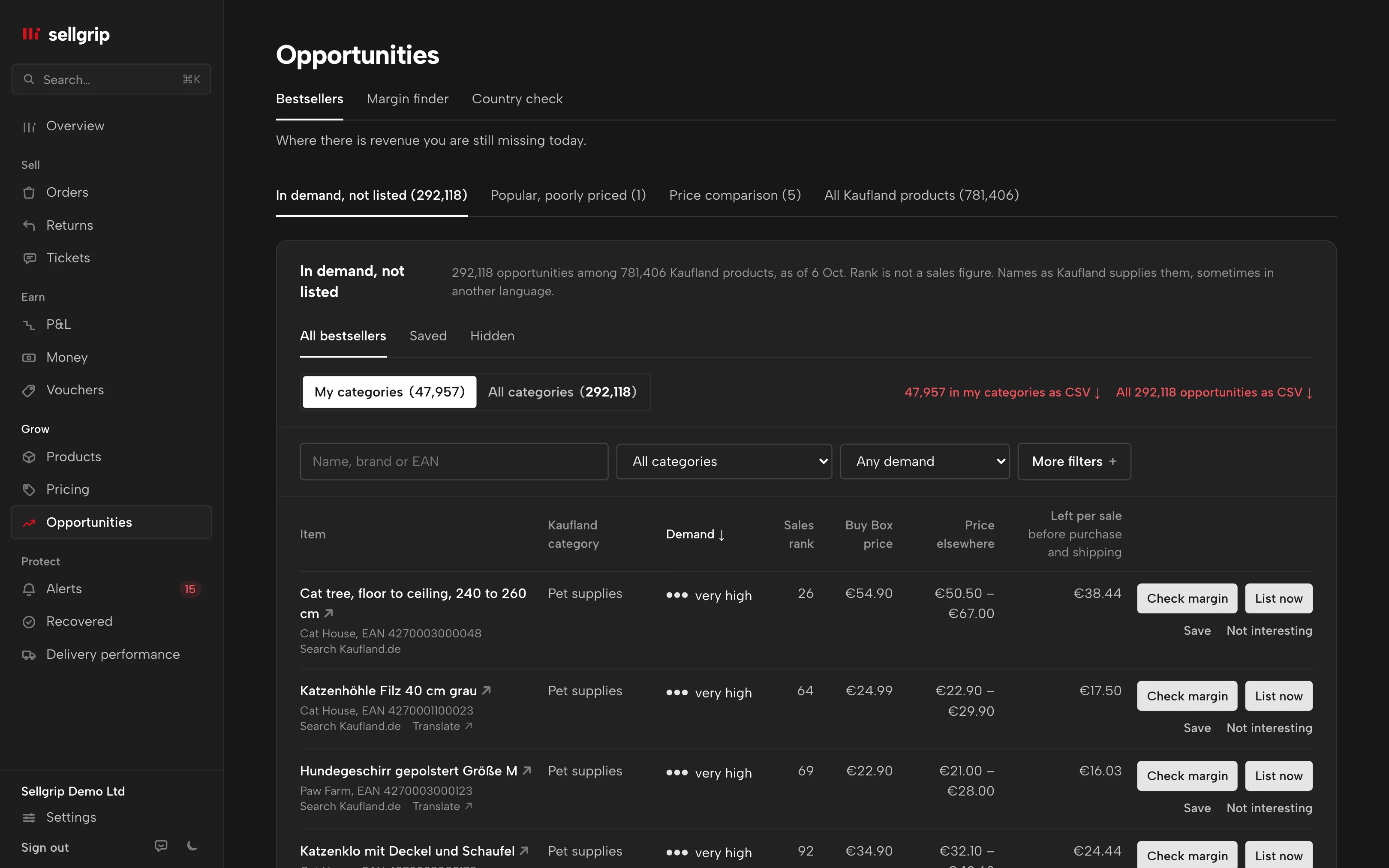
What the price comparison shows
Lowest on Kaufland
The cheapest offer for the same product, from Kaufland’s competitor report. Item price is compared with item price.
Difference, sorted
How far your price is above or below it. The products priced furthest above it come first.
Online incl. shipping
The lowest price on comparison sites that Kaufland reports, with shipping. Next to it the Buy Box price, the same as under Buy Box.
Kaufland’s flag
If Kaufland rates a product as popular and poorly priced, it gets a tag beside the name. The tab “Popular, poorly priced” lists just those products.
How you use the comparison
-
Sellgrip fetches the report
Once a day per country. If a value is older, its date is shown below it.
-
You read from the top
The first rows are the products where your price is furthest above the lowest offer.
-
You check the price
“Check price” takes you to Pricing rules. Work out first with What if whether a lower price pays off.
The lowest offer and the Buy Box are not the same
The cheapest seller does not automatically win the Buy Box. Kaufland also weighs shipping costs, delivery time and the seller’s performance.
Kaufland’s competitor report names neither the Buy Box holder nor the shipping. That is why Sellgrip shows the lowest offer next to the Buy Box price, and never in its place.
- From Kaufland’s data
- Kaufland supplies both comparison values itself. Sellgrip does not scrape prices from the web.
- Kept for 30 days
- Sellgrip stores the report per day and keeps 30 days.
What you see in Sellgrip
- Price comparison
- A tab in Opportunities, next to “In demand, not listed” and “Popular, poorly priced”.
- Columns
- “Item”, “Country”, “Your price”, “Lowest on Kaufland”, “Difference”, “Online incl. shipping” and “Buy Box price”, where a plus means you are above. The item name opens a search for it on Kaufland in that country.
- Popular, poorly priced
- A tag beside the item name when Kaufland flags the product that way. A tab of its own shows just those items. The judgement is Kaufland’s.
- No price check yet
- That is what it says before the first report arrives. Kaufland provides the data once a day.
Questions about Price comparison
Which plan includes the price comparison?
Business, as part of Opportunities, including the 14-day Business trial. See pricing.
Does Sellgrip change my price?
Not from this page. You change a price with a click under Products, or on a proposal from Pricing rules. Pricing rules also has an automatic mode, within your limits and never below your break-even. It is being switched on account by account.
Why is the lowest price not the Buy Box price?
Because Kaufland does not award the Buy Box on price alone. That is why both values sit side by side.
Which countries does the comparison cover?
All nine Kaufland countries, including Spain. In Czechia and Poland the cheapest price comes from the Buy Box ranking.
How recent are the prices?
Kaufland delivers the report once a day. If a value is older, its date is shown with it.
Related tools
Last updated
Start with Sellgrip today.
You can start free without a card or a contract. Want everything? Try Business for 14 days (payment details required). After that you pay for the plan you chose, plus VAT, unless you cancel first.